

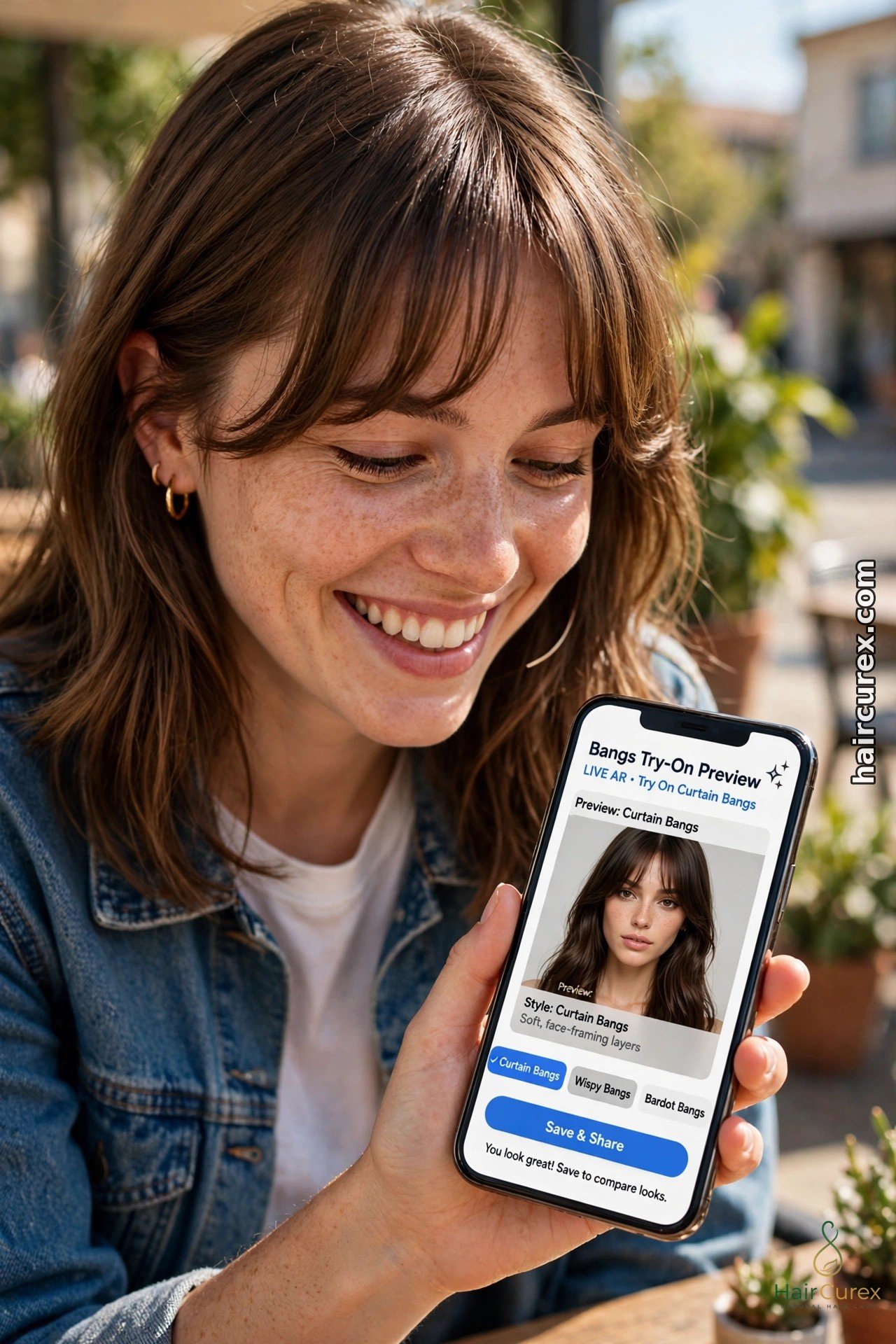
An AI bangs try-on is a photo tool that adds a fringe to your own picture, so you can see yourself with curtain, blunt, wispy, side-swept or curly bangs before anyone picks up scissors. Upload one clear, front-facing photo, pick a fringe style, and the tool draws the bangs over your forehead in seconds. It is free to test in apps such as YouCam Makeup and Facetune, and it is the cheapest way to answer the question "should I get bangs?" without a grow-out period. An AI bangs try-on is a preview, not a promise: your hair texture, forehead height and daily styling time still decide how a fringe looks in real life, so use it to shortlist one or two styles and confirm them with your stylist.
How an AI Bangs Try-On Works
An AI bangs try-on works on a still photo, not a live camera filter. It finds your face, forehead and hairline, then draws the chosen fringe in place, blending it with your hair colour and texture. Live filters, covered in our guide to hair filters on TikTok, Instagram and Snapchat, are faster but simpler. A photo-based AI bangs try-on usually looks more realistic, because it has time to match lighting, blend edges and keep your own features intact.
Most tools follow the same steps. Open the app or online editor, upload a front-facing photo, go to the hair or bangs section, and pick a fringe style. Adjust the length and thickness if the tool allows it, then save the result. Some tools also animate the photo, so you can see the fringe move. Others let you try the same fringe in several colours. The whole test takes under a minute per style, which is why an AI bangs try-on beats guessing from celebrity photos.
The 5 Fringe Styles to Test in an AI Bangs Try-On
Start with these five styles in your AI bangs try-on session. Each suits different faces and hair types, and testing all five on the same photo shows the differences clearly.
| Style | Look | Best for | Upkeep |
|---|---|---|---|
| Curtain bangs | Parted fringe framing both sides of the face | Most face shapes, especially round and oval | Low to medium, grows out gracefully |
| Blunt bangs | Straight, full fringe cut across the forehead | Oval and long faces, straight thick hair | High, needs regular trims |
| Wispy bangs | Light, airy, feathered fringe | Fine hair, first-time fringe wearers | Low, forgiving as it grows |
| Side-swept bangs | Fringe swept to one side | Round and square faces, cowlicks | Low to medium |
| Curly bangs | Fringe cut into natural curls or coils | Curly and coily hair, textured cuts | Medium, needs curl-aware cutting |
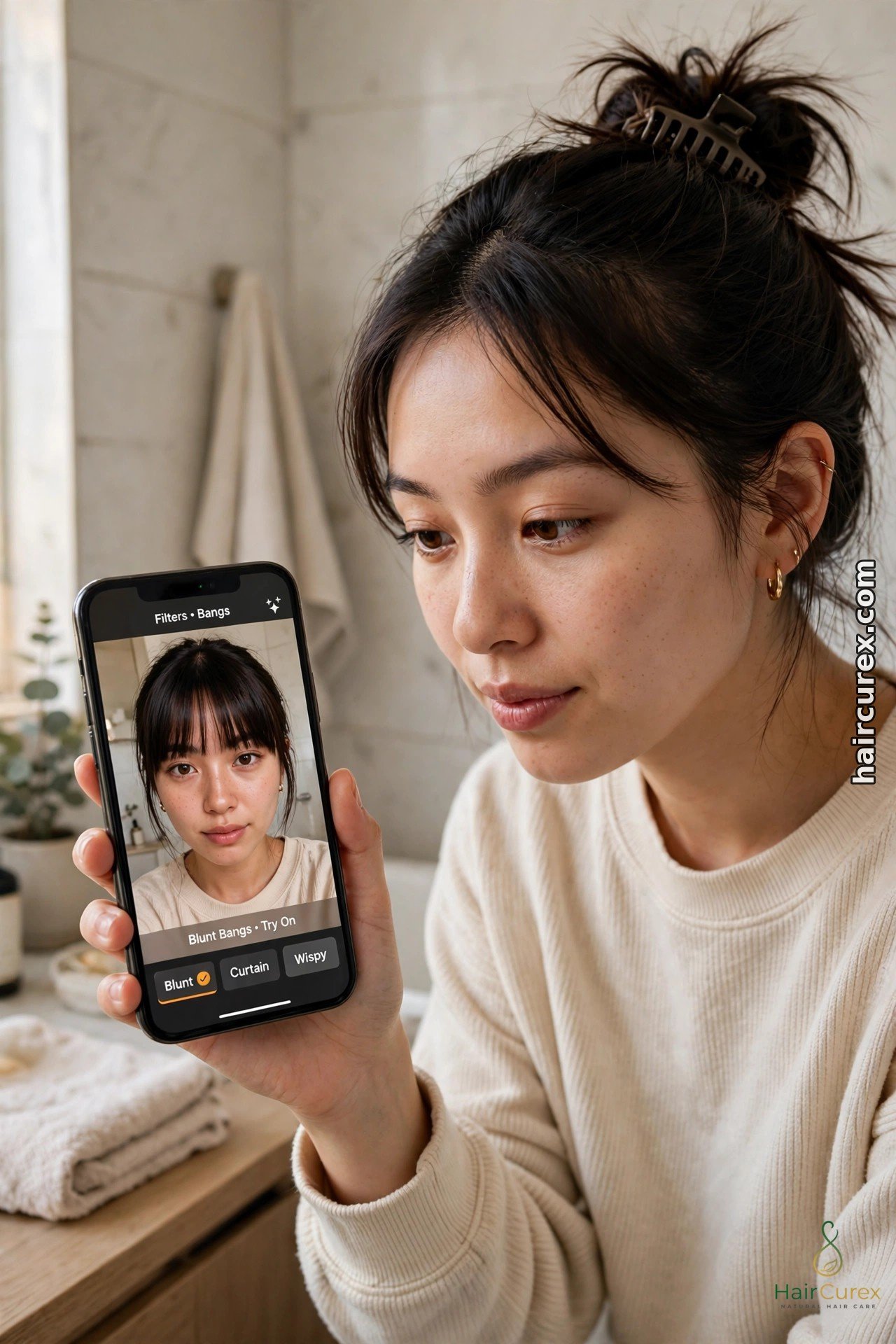
Curtain, Blunt and Wispy Bangs in Detail
Curtain bangs are the safest first test in an AI bangs try-on. The fringe parts in the middle and frames both sides of the face, so it softens a wide forehead without hiding it. It also grows out better than any other fringe: as it lengthens, it simply becomes face-framing layers. If you are unsure about bangs at all, test curtain bangs first.
Blunt bangs make the boldest statement. A straight, full fringe shortens the look of a long forehead and pairs well with bobs and lobs. The catch is upkeep: blunt bangs need trims every few weeks and daily styling to sit straight. Test blunt bangs in your AI bangs try-on on a photo where your hair is straight, because a preview on wavy hair can flatter a fringe that would need heat styling every morning.
Wispy bangs are the low-commitment option. The fringe is thin, feathered and see-through in places, so it suits fine hair and first-time fringe wearers. A wispy fringe also forgives a bad hair day better than a blunt one. In an AI bangs try-on, wispy bangs can look almost too perfect, so check the preview at a larger size: if you can see forehead through the fringe, that is realistic for wispy bangs, not a flaw.
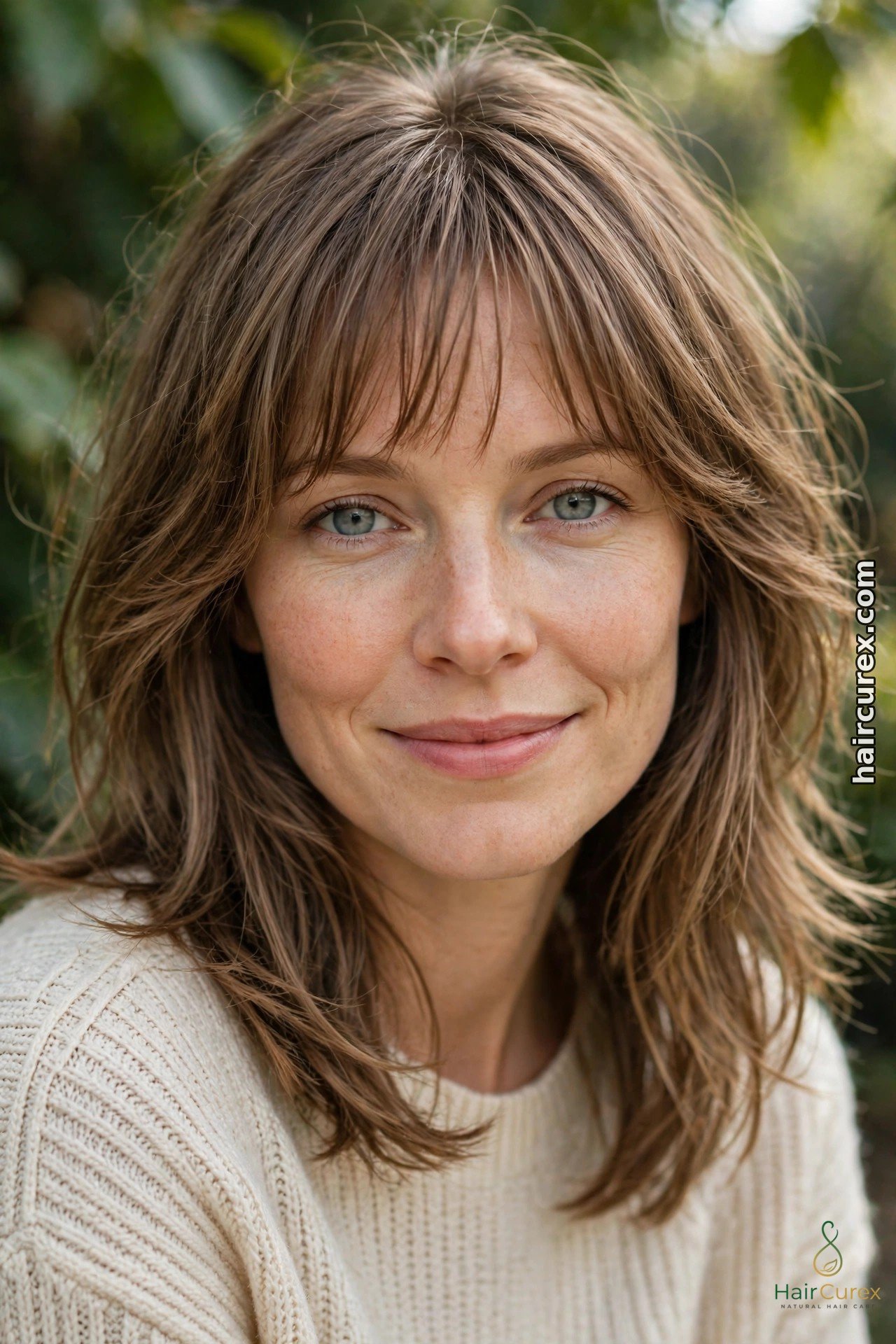
Side-Swept and Curly Bangs in an AI Bangs Try-On
Side-swept bangs suit the widest range of faces. The fringe sweeps to one side, which softens a square jaw, balances a round face and hides a cowlick at the hairline. In your AI bangs try-on, test both sweep directions: most people have a natural parting side, and a fringe swept against it will fight you every morning. A side-swept preview that looks good on both sides is a rare, useful find.
Curly bangs need the most honest testing. A fringe cut into curls springs up shorter than it looks when wet, and many previews smooth curly hair into a generic wave. When you run an AI bangs try-on for curly bangs, use a photo that shows your real curl pattern, and be sceptical of any preview that gives you straight, uniform fringe pieces. Ask a curl-aware stylist whether the preview’s length accounts for shrinkage, because that one detail decides whether curly bangs delight or disappoint.
AI Bangs Try-On by Face Shape
Face shape narrows the field, but it never decides alone. Oval faces suit most fringe styles in an AI bangs try-on, so test by maintenance instead: how much styling will you actually do? Round faces usually suit curtain, side-swept and longer wispy bangs, which add length rather than width. Square faces soften with textured, side-swept and curtain fringe rather than a hard blunt line at the jaw.
Heart-shaped faces pair well with chin-length styles and curtain bangs that balance a narrower chin. Long faces benefit from blunt or full fringe, which shortens the forehead visually. Forehead height matters as much as face shape: a high forehead gives a fringe room to sit, while a short forehead can make a full fringe feel heavy. If you are unsure of your face shape, our free hairstyle finder quiz narrows it before you test, and our AI hairstyle changer for women guide covers full cuts once the fringe question is settled.
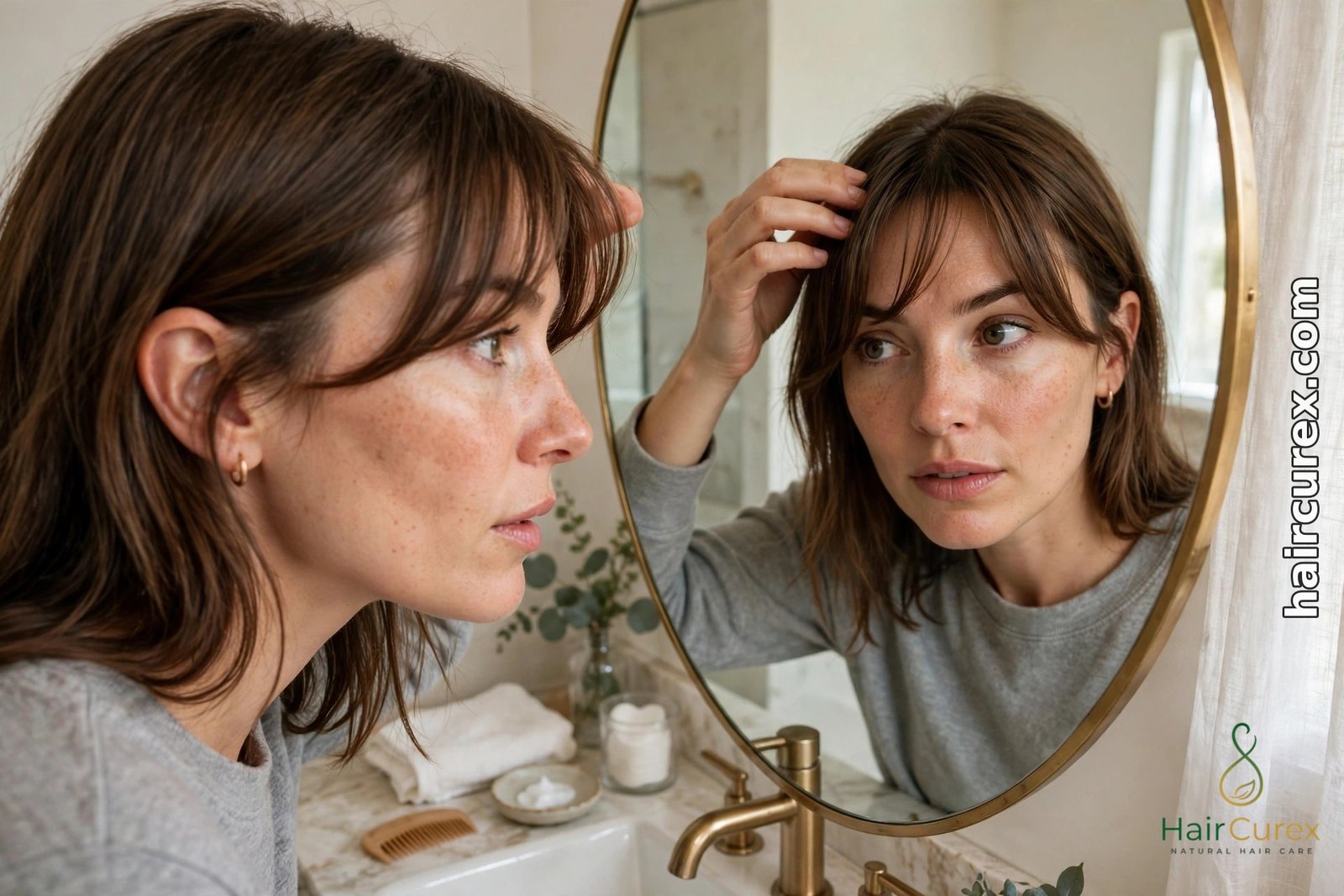
Getting a Realistic AI Bangs Try-On Photo
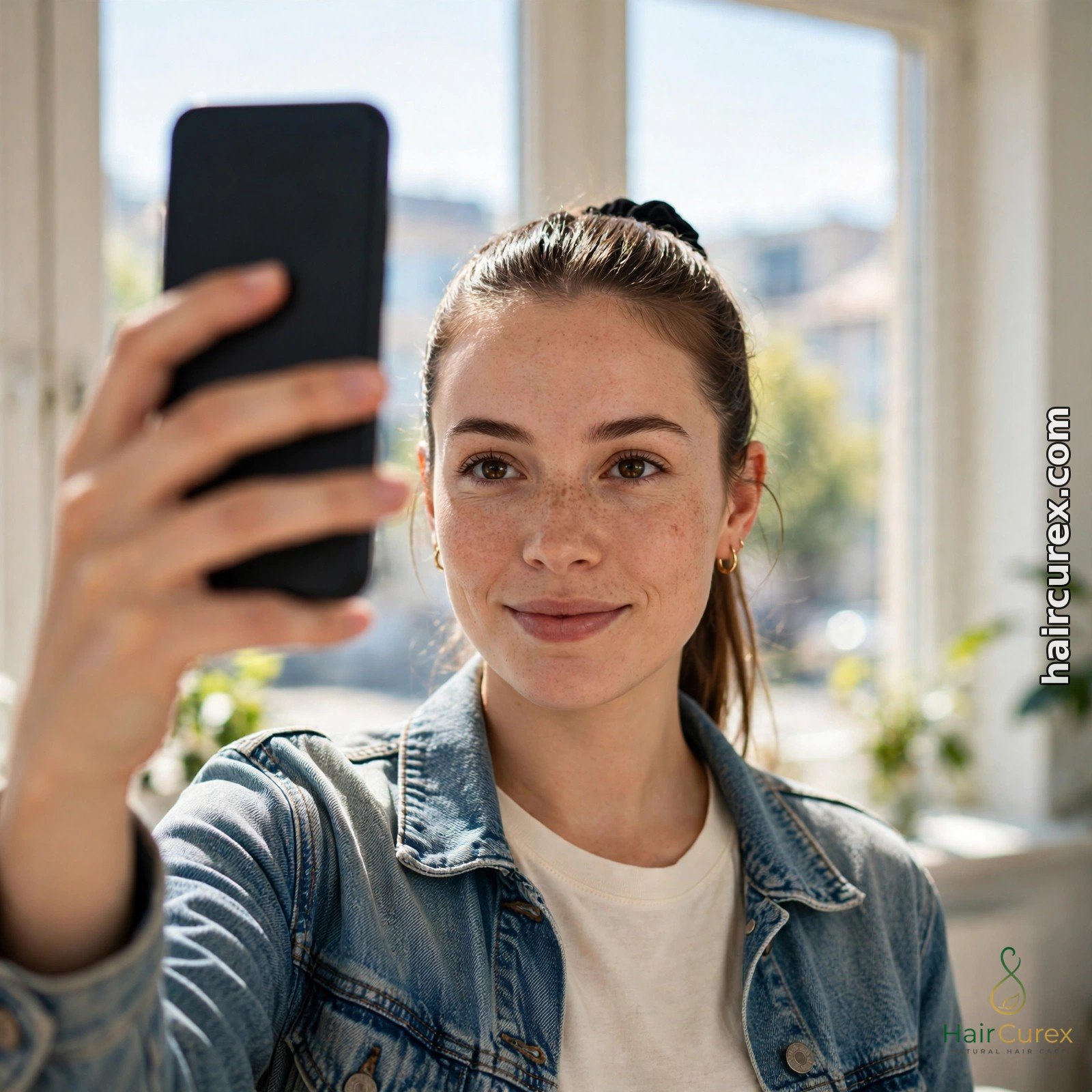
Your photo decides the quality of any AI bangs try-on. Use a clear, front-facing photo in bright, even daylight, facing a window, phone at eye level, hair pulled back from your forehead so the tool can see your hairline. Avoid sunglasses, hats, filters and beauty modes. Take the photo against a plain background with your whole head in frame.
Use the same photo for every fringe style you test in the AI bangs try-on. Comparing a curtain preview from a bright photo with a blunt preview from a dim photo tells you nothing about the fringes. Once you have a shortlist, test the winning fringe on a second photo too, ideally one with your natural texture visible. Save the original photo alongside the previews for your stylist.
Free Tools for an AI Bangs Try-On
YouCam Makeup is the most complete free route for an AI bangs try-on. Its bangs simulator offers more than 10 fringe filters, including curtain, wispy, blunt and side-swept styles, on your phone or in the YouCam Online Editor in a browser. You can also try 60-plus hairstyles and unlimited colours in the same app. The free tier is limited and some exports carry a watermark, but for fringe testing it is enough.
Facetune offers a virtual bangs filter that blends the fringe with your natural hair colour and texture, with a free trial that includes the bangs simulator. Its strength is realistic blending and fine-tuning the fringe position. Our best free AI hairstyle changer apps guide compares the wider tool landscape, and the general AI hairstyle changer guide explains how photo-based changers differ from live filters. Whichever tool you choose for your AI bangs try-on, avoid apps that demand card details before your first preview, and check trial cancellation terms before you sign up.
Grow-Out, Maintenance and Mistakes to Avoid
Bangs are a commitment measured in weeks, not days. Blunt bangs need a trim every 2 to 4 weeks to keep their line, while curtain and wispy bangs grow out into layers with far less drama. Before you cut, ask yourself how you style your hair on a rushed morning: a fringe that needs a round brush and heat every day is a different life from a wash-and-go fringe.
Common mistakes in an AI bangs try-on session are easy to avoid. Do not judge a fringe from one tiny preview; view it full-screen. Do not test a fringe only on a polished photo; test it on a normal-day photo too. Do not combine a new fringe with a new cut and a new colour in one preview, or you will not know which change you liked. And do not ignore your cowlick, natural parting or thinning at the hairline: a preview cannot feel those, but your stylist must know about them.
Taking Your AI Bangs Try-On Preview to Your Stylist
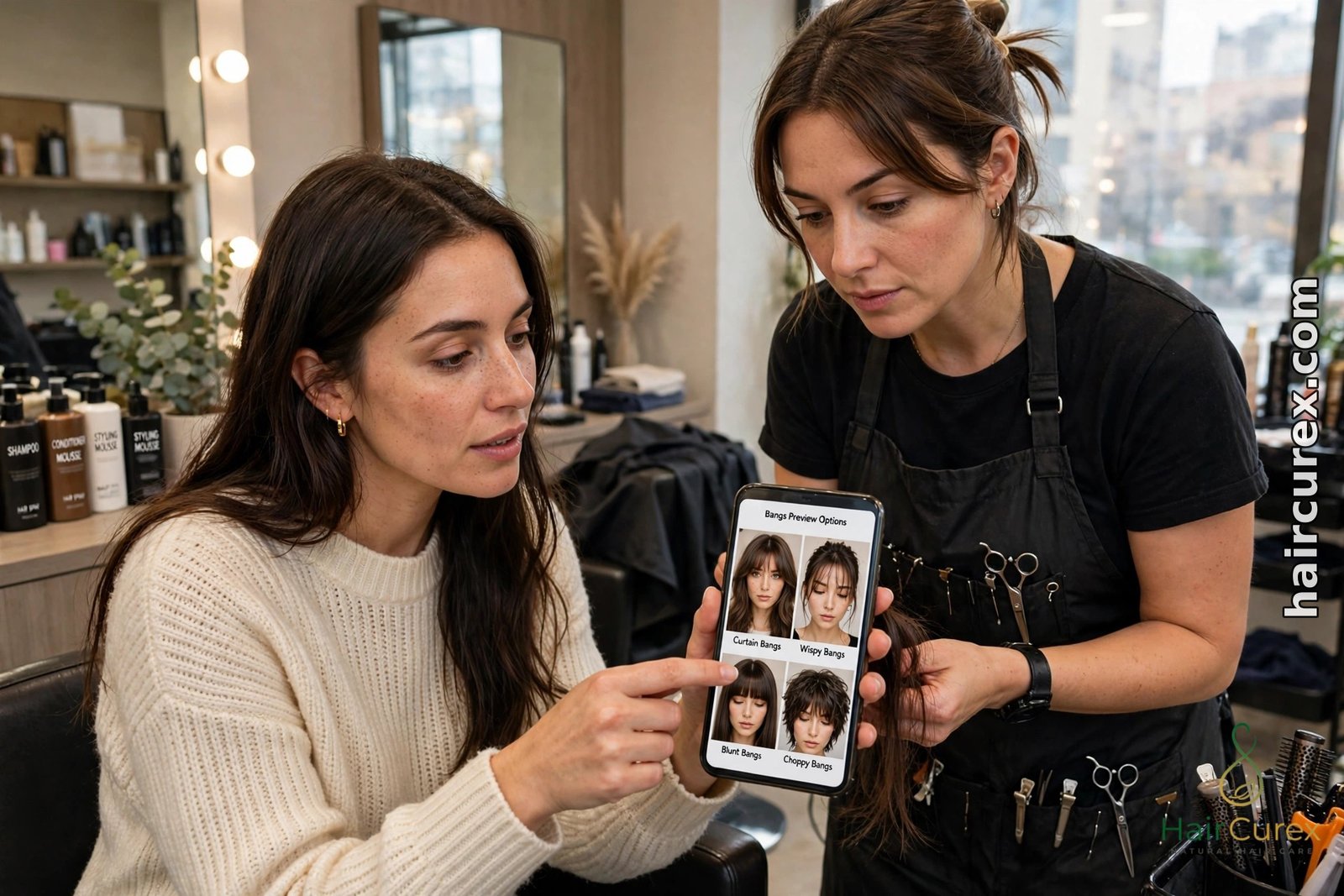
Take two or three saved previews from your AI bangs try-on to your appointment, not twenty. Show the winning fringe and one close alternative, and say what you like about each: the length, the thickness, the parting. Ask whether your hair type can hold that fringe, how it will grow out, how often it needs trimming, and how much daily styling it needs.
Mention the details a preview cannot see: a cowlick, a strong natural parting, previous colour in your lengths, or a scar you would rather cover. Those details change which version of a preview is achievable. If your stylist suggests a slightly longer or softer version of your preview, listen: a fringe cut a little long can be shortened, but a fringe cut too short cannot be undone.
Privacy in an AI Bangs Try-On App
Your selfie is personal data. Before an AI bangs try-on upload, check how long the company stores your photos, whether uploads train its models, and whether you can delete your photos and account. Prefer tools with easy deletion and a clear privacy policy. A bangs tool needs the photo you choose, not your contacts, location history or whole photo library, so decline permissions it does not need. Never upload someone else’s photo without permission, and delete uploads once you have saved the previews you need.
The Limits of an AI Bangs Try-On
An AI bangs try-on is weakest where real hair is most individual. Texture is the biggest gap: many tools smooth curls into a generic wave. Volume is another: a tool cannot feel your roots’ lift, so a full fringe may fall flat or puff up in humidity. Colour shifts with screens and lighting, so a fringe preview may read warmer or darker in the salon. Growth is invisible: no preview shows a fringe at three weeks, unstyled, on a rushed morning. Used honestly, as a shortlist plus a stylist’s second opinion, an AI bangs try-on is the cheapest way to avoid a fringe you regret.
Frequently Asked Questions About AI Bangs Try-On
Q: What is an AI bangs try-on?
A: An AI bangs try-on is a photo tool that adds a fringe to your own picture, so you can preview curtain, blunt, wispy, side-swept or curly bangs on your own face before you cut your hair.
Q: Is there a free AI bangs try-on?
A: Yes. YouCam Makeup offers a free bangs simulator with more than 10 fringe filters, and Facetune offers a free trial including its bangs filter. Free tiers may limit styles or watermark saved images.
Q: How do I try on bangs before a haircut?
A: Upload a clear, front-facing photo in bright daylight to a bangs simulator, pick a fringe style, adjust the length if the tool allows it, and save the result. Test several styles on the same photo, then take the best two or three previews to your stylist.
Q: Which bangs suit a round face?
A: Curtain, side-swept and longer wispy bangs usually suit round faces best, because they add length rather than width. Test them all on your own photo in an AI bangs try-on before deciding.
Q: Can an AI bangs try-on show curly bangs accurately?
A: Only approximately. Many tools smooth curls into a generic wave and may not account for shrinkage, so a curly fringe can spring up shorter than the preview shows. Ask a curl-aware stylist to confirm the length.
Q: Should I show an AI bangs preview to my stylist?
A: Yes. Take two or three saved previews, say what you like about each, and ask whether your hair type can hold the fringe, how it will grow out, how often it needs trimming, and how much styling it will need.