

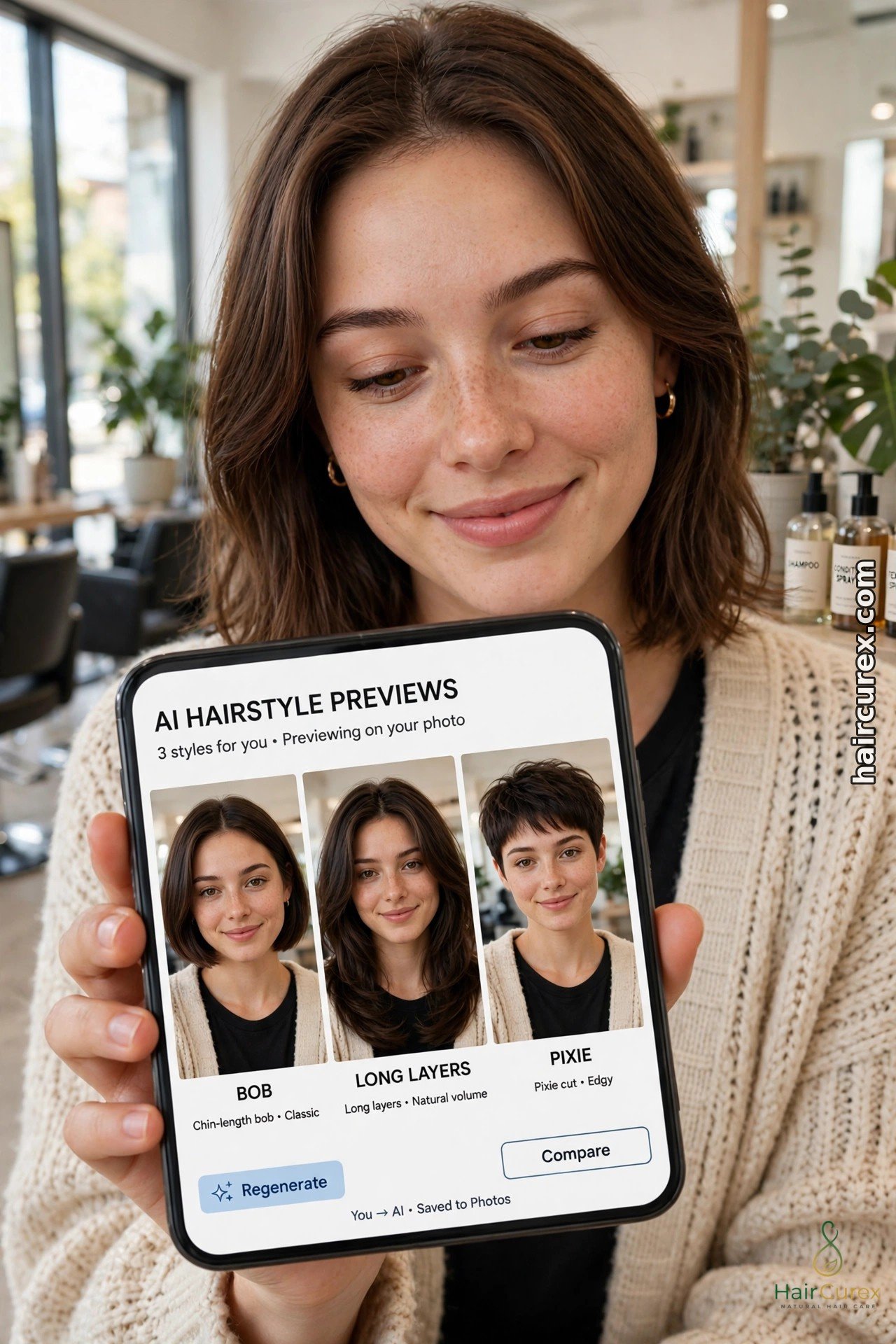
An AI hairstyle changer for women is a free or freemium tool that puts a new hairstyle onto your own photo, so you can see a bob, pixie, layers, curls or a new colour on your own face before you book a haircut. Upload one clear, front-facing photo, pick a style, and the tool rebuilds the hair in the picture in seconds.
The best free options are YouCam AI Hairstyle Changer for the most natural-looking results, FaceApp for the widest range of styles, and Photo AI Studio for a quick no-sign-up preview. None of them guarantees a salon result: they are previews, not promises, and texture, thickness and growth patterns still change how a style looks in real life — so use them to shortlist two or three styles, then take those previews to your stylist.
How an AI Hairstyle Changer for Women Works
A photo-based changer is different from a live camera filter. Our guide to hair filters on TikTok, Instagram and Snapchat covers the live-filter route, which is fast and fun but simpler. A changer works on a still photo: it finds your face, hairline and shoulders, removes or covers your existing hair, and draws the chosen style in its place, matching the lighting and angle of your photo as closely as it can. That extra processing is why changer results usually look more realistic than filters, especially for big changes such as going from long hair to a pixie, or from straight hair to curls.
Most tools follow the same three steps. First, you upload a photo or take a selfie inside the app. Second, you browse a library of styles, often grouped by length, texture and colour, and sometimes filtered by face shape. Third, you save or share the result. Some tools also offer live camera modes, colour-only changes, and bangs-only previews. The free tier is where the differences appear: some tools give you a handful of free previews with a watermark, some give unlimited basic previews with no watermark, and some lock their best styles behind a subscription. Read the free limits before you invest time in a tool, not after.
The 7 Best Free Tools Compared
The table below summarises the free tier of each tool as described in published 2026 comparisons. Free limits change often, so treat this as a starting shortlist and check the current free offer inside the app before you commit to one tool.
For another comparison, see Photo AI Studio’s 7 free hair style changer AI apps compared.
| Tool | Free offer | Watermark | Sign-up | Best for |
|---|---|---|---|---|
| YouCam AI Hairstyle Changer | Some free styles, live camera try-on | Yes on free exports | No for basic use | Most natural-looking women’s styles, 60+ styles |
| FaceApp | Many styles, limited free filters | Yes on free exports | No for basic use | Widest style and colour range in one app |
| Photo AI Studio AI Hair Changer | Basic styles, unlimited uploads | No | No | Fastest no-sign-up preview |
| MyEdit Hairstyle Simulators | 40+ styles, custom prompts | Varies | Account for full use | Customising a style with text prompts |
| Fotor Hairstyle Changer | Face-swap style previews | Varies | Account for full use | Trying a style from a model photo |
| Hair Zapp | Limited free styles | No | Yes | Face-shape-matched suggestions |
| BasedLabs | Unlimited colour try-ons | Varies | Account for full use | Colour changes with custom shades |

Tool by Tool: What Each One Does Best
YouCam AI Hairstyle Changer is the strongest all-round AI hairstyle changer for women. In an independent 2026 test of seven online tools, it delivered the most natural-looking virtual try-on, with 117 styles in total, 78 of them for women, plus a face analyser that suggests styles for your face shape. Its free tier is limited and free exports carry a watermark, but for judging whether a cut suits your face, its realism is hard to beat. Try it first if you want one careful preview rather than dozens of rough ones.
FaceApp is the best-known name and the best for variety. It offers many cuts and colours, plus makeup and other photo edits in the same app, and it works offline once downloaded. The trade-off is the watermark on free exports and many premium styles locked behind a subscription. Use it when you want to cycle through lots of ideas quickly and do not mind a watermark on the saved preview.
Photo AI Studio is the best no-fuss option. Its hair changer is web-based, needs no sign-up, allows unlimited basic uploads, and exports without a watermark. The style library is more generic than YouCam or FaceApp, and you get less control over fine details such as exact length or texture. Use it for a first, fast check: does short hair suit me at all, before you spend time in a more detailed tool.
MyEdit suits you if you like to customise. Its hairstyle simulator offers 40-plus styles and lets you fine-tune a look with text prompts, which is useful when the preset library does not have quite the version you want — a softer pixie, a longer bob, a shaggier layer. Fotor takes a different route, swapping your face onto a model photo with the hairstyle, which works well when you already have a reference photo you love.
Hair Zapp focuses on face-shape matching and gives guided suggestions rather than an endless library, but its free styles are few and it needs registration. BasedLabs is the colour specialist: unlimited colour try-ons with preset shades and custom colour input, ideal once you have settled the cut and only the shade is undecided. Our separate AI hair color changer guide covers colour previews in more depth.
See also Perfect Corp’s test of 7 online AI hairstyle tools for another independent comparison.
Getting a Realistic Preview: Your Photo Matters More Than the App
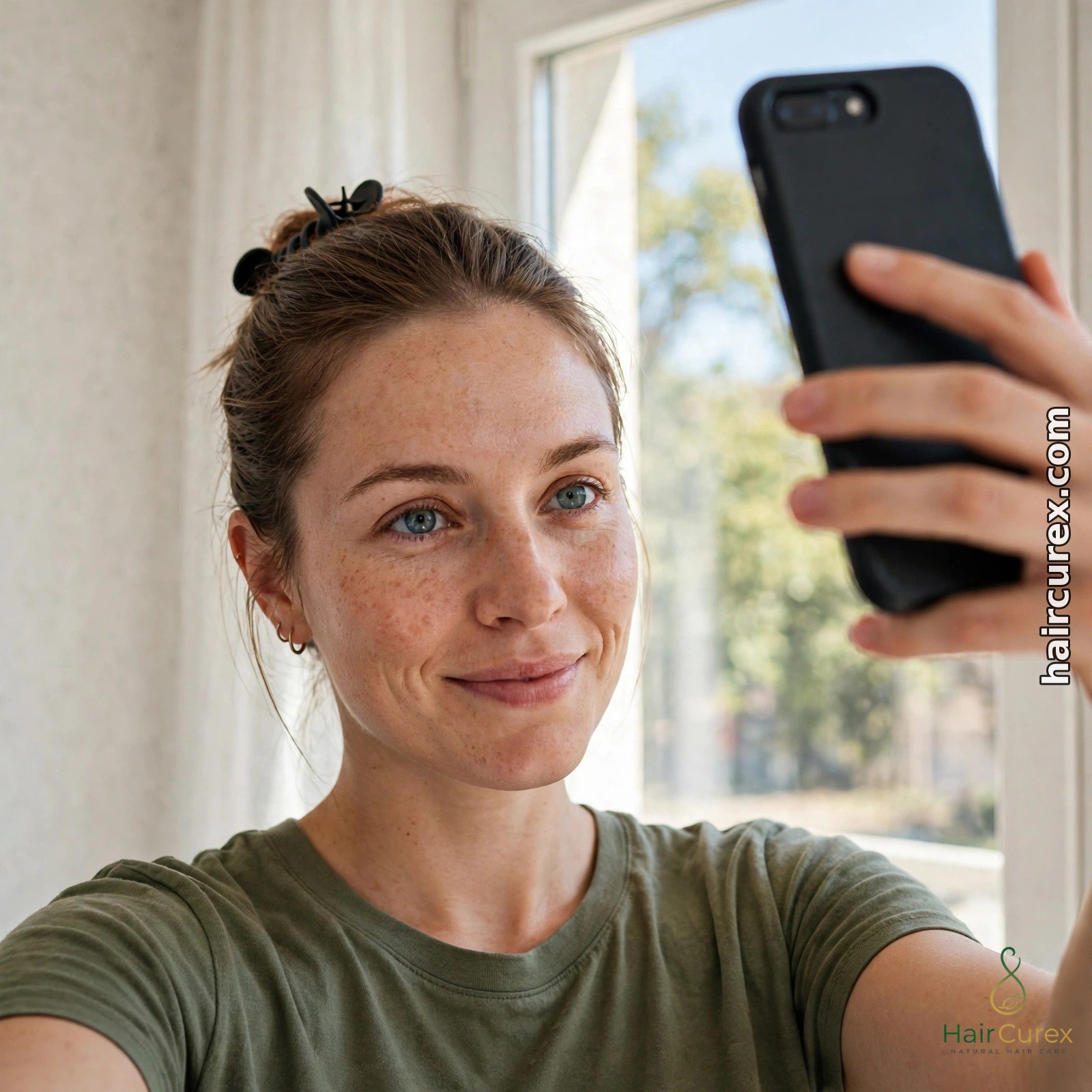
An AI hairstyle changer for women can only work with the photo you give it, and most disappointing results start with a bad photo, not a bad app. Use a clear, front-facing photo in bright, even daylight, facing a window, with the phone at eye level and your hair pulled back from your forehead so the tool can see your hairline and face shape. Avoid sunglasses, hats, heavy filters and beauty modes, which change your face shape and skin tone and mislead the result. Take the photo against a plain background with your whole head in frame.
Use the same photo across every AI hairstyle changer for women you test. If one tool gets a studio-style headshot and another gets a dim mirror selfie, you are comparing photos, not tools. Once you have a shortlist, test each winning style on a second photo too — a slightly different angle or a photo with your natural hair texture visible — because a style that only works on one perfect photo is a warning sign. Save the original photo as well as the previews, so your stylist can see what you started from.
Choosing Styles for Your Face Shape and Hair Type
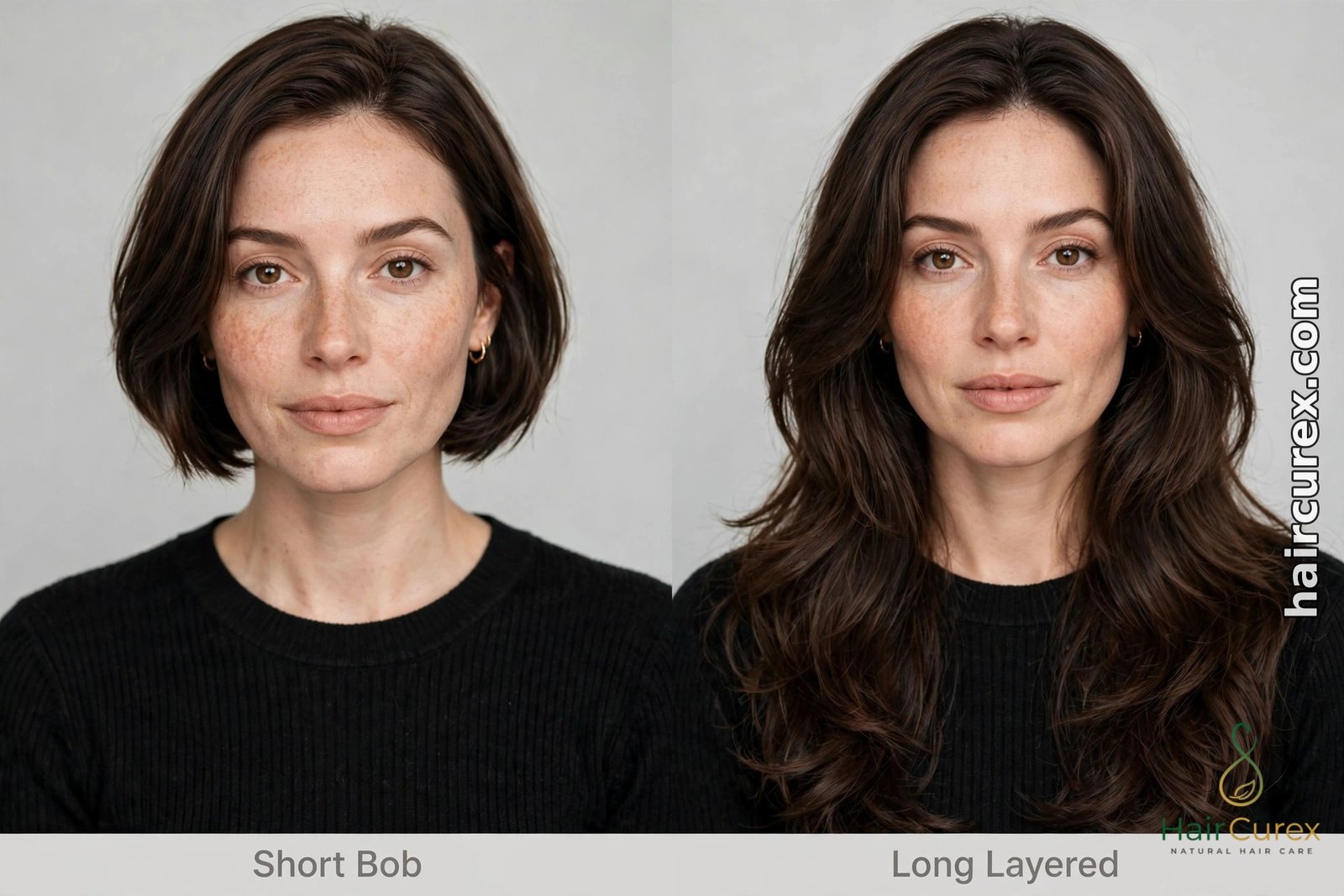
Face shape is a useful filter, not a rule. Oval faces suit most lengths, so the question is usually texture and maintenance rather than shape. Round faces tend to look balanced with longer layers, side parts and styles that add height at the crown rather than width at the cheeks. Square faces soften with layered, textured ends and side-swept fringe rather than blunt, jaw-length lines. Heart-shaped faces pair well with chin-length bobs and curtain fringe that balance a narrower chin.
If you are unsure of your face shape, our free hairstyle finder quiz narrows the field before you spend time in an AI hairstyle changer for women, and the general AI hairstyle changer guide explains how photo tools handle face shape.
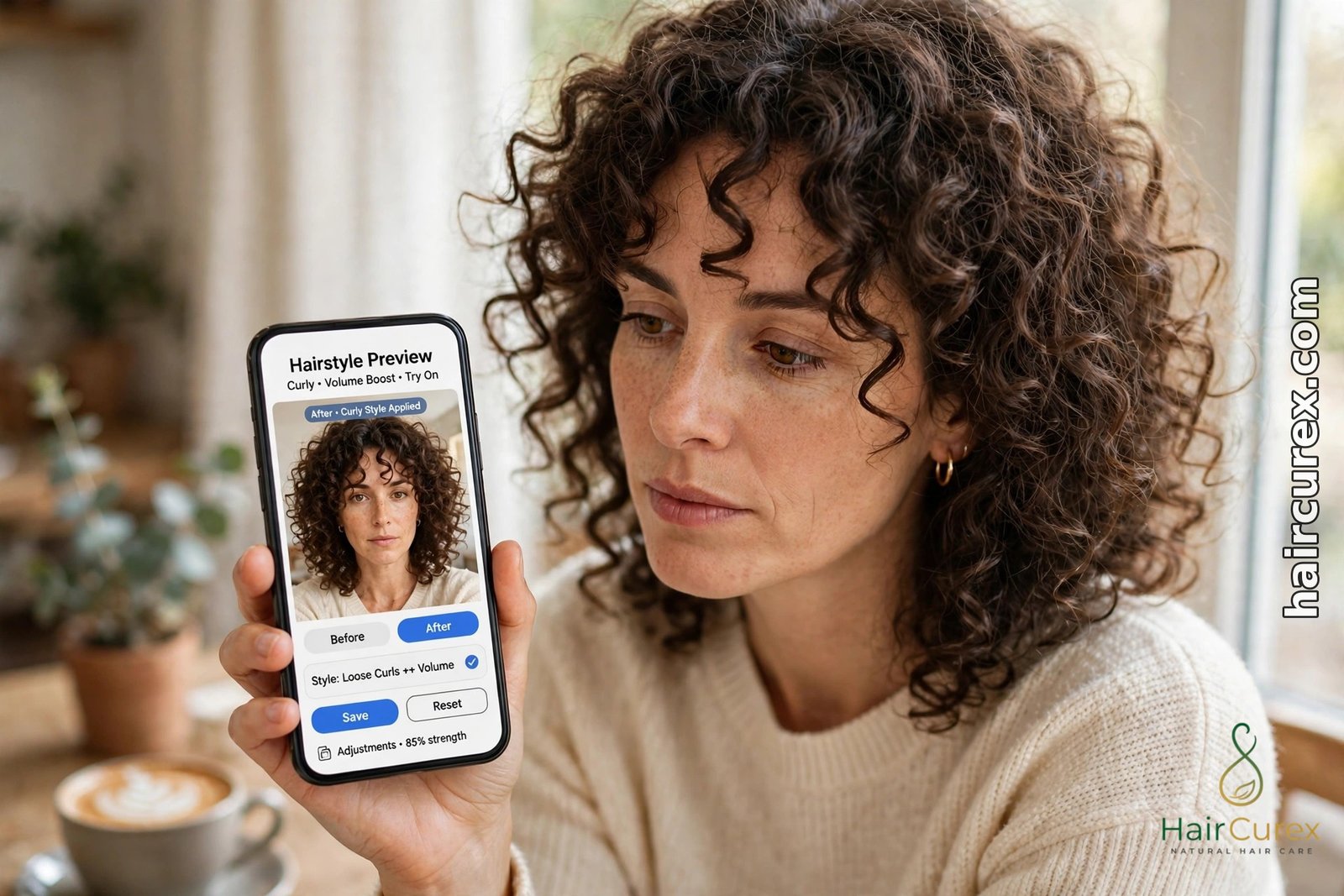
Hair type matters at least as much. Fine hair will not hold the same volume a preview shows on thick hair, and a preview that gives every texture the same smooth finish is smoothing over reality. Curly and coily hair changes volume with humidity, drying method and parting, so test styles close to your natural texture first and ask whether the preview’s curl pattern is realistic for you. If you wear your hair natural most days, judge a preview by how it would look unstyled, not by its most polished version.
Our best free AI hairstyle changer apps guide compares the same tools from the free-tier angle if you want a second opinion before choosing an AI hairstyle changer for women.
Colour, Length and Bangs: Test One Change at a Time
Test one change at a time in an AI hairstyle changer for women, or a colour you love will carry a cut you would never have chosen on its own. Settle the shape first: try the same colour across a bob, a lob and long layers, and keep only the shape that works. Then test colours on the winning shape. The same rule applies to bangs: test a fringe on your current length before you combine a new fringe with a new cut, or you will not know which change you liked.
Length jumps deserve a back-to-back test. If you are debating a big chop, preview the short cut, a medium length and your current length in the same session, on the same photo, so you can see the jump clearly. For colour, preview under the light you live in: a shade that looks rich in a bright preview may read darker indoors, and warm shades shift most under artificial light. Ask your stylist whether your current colour, especially previous dye, will affect the shade you previewed — a changer cannot see what is already in your lengths.
Free vs Paid: What the Free Tier Usually Leaves Out
Free tiers of an AI hairstyle changer for women are genuinely useful, but they have predictable limits. Expect a small number of free previews per day, a watermark on saved images, lower export resolution, and the trendiest or most realistic styles held for subscribers. Some tools also limit you to one photo, or to a few styles per session, and show ads between previews. None of that makes a free tool useless: a handful of careful previews on one good photo is enough to shortlist a cut.
Be careful with “free trial” wording. A tool that asks for card details before your first preview is not the same as a free tool, and you should check when a trial converts to a paid subscription and how to cancel it. Prefer tools that let you preview without an account for your first test, and only create an account once you know the tool is worth it. If a tool cannot explain its free limits in plain language before you upload a photo, that is itself useful information.
Privacy: What Happens to Your Photo?
Your selfie is personal data, so check three things before uploading: how long the company stores your photos, whether uploads are used to train its models, and whether you can delete your photos and account. Prefer tools with easy deletion and a clear privacy policy, and avoid tools with no policy or no deletion option. An AI hairstyle changer for women needs the photo you choose to upload, not your contacts, location history or whole photo library, so decline permissions it does not need.
Never upload someone else’s photo without their permission, and avoid uploading photos of children. Once you have saved the previews you need, delete the uploads where the tool allows it, and remove saved styles you no longer use. If you are comparing tools, use the same test photo and delete it from each tool afterwards, rather than leaving copies scattered across several apps.
Taking Your Preview to Your Stylist
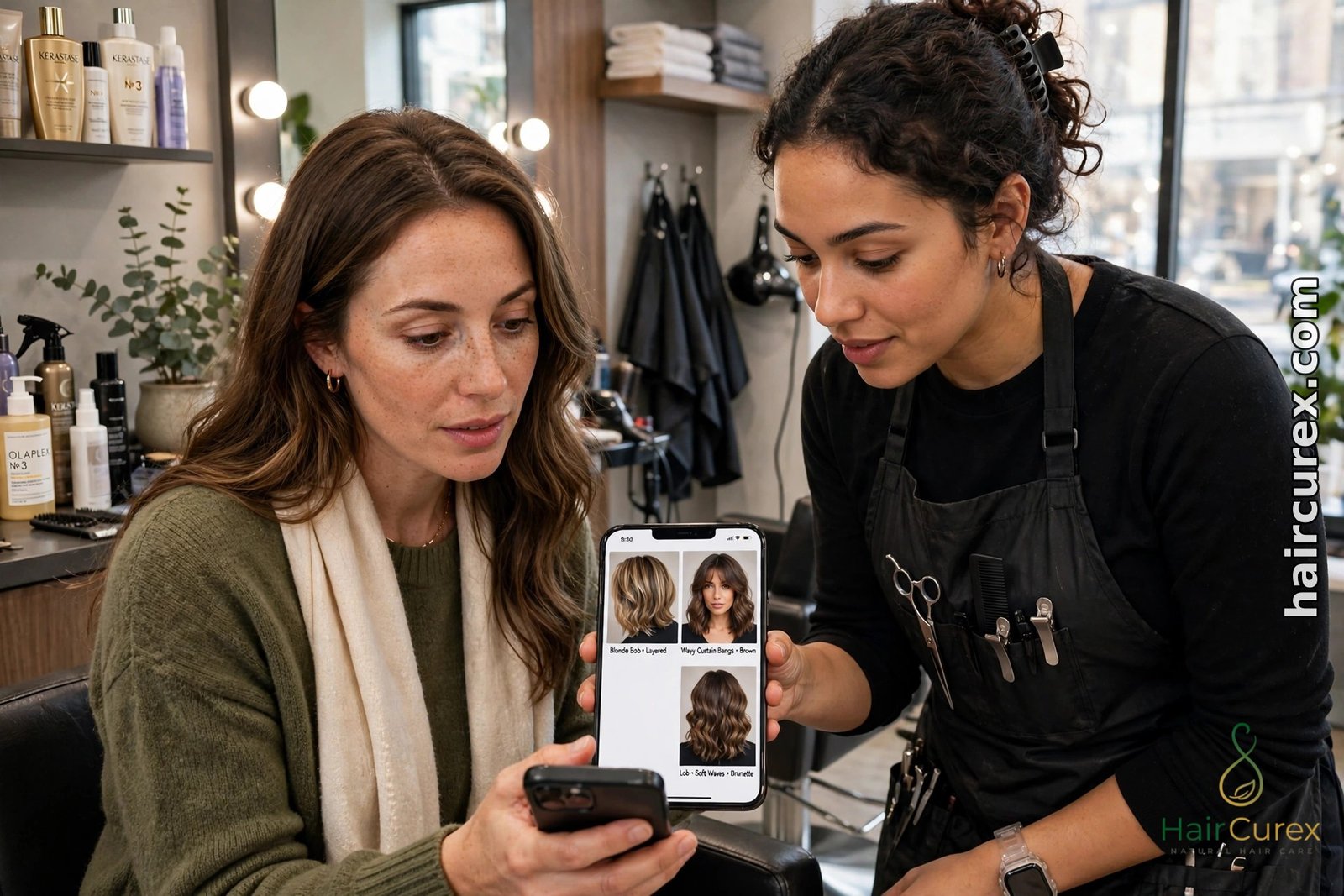
Take two or three saved previews from your AI hairstyle changer for women to your appointment, not twenty. Show your stylist the winning style and one close alternative, and say what you like about each: the length, the layering, the fringe, the colour depth. Ask directly whether your hair type and thickness can hold that shape, how it will grow out, and how much daily styling it will need. Mention the things a preview cannot see: a cowlick, a strong natural parting, thinning at the crown, or previous colour still in your lengths. Those details change which version of a preview is actually achievable.
The Limits of an AI Hairstyle Changer for Women
Changers are weakest exactly where real hair is most individual. Texture is the biggest gap: many tools smooth curly or coily hair into a generic wave. Volume is another: a tool cannot feel your roots’ natural lift, so a voluminous style may fall flat in real life and a sleek style may puff up on humid days. Colour is approximate too, because phone screens, indoor lighting and the tool’s own colour grading all shift a shade.
Growth is invisible: no preview shows how a cut grows out over six weeks, or how it looks unstyled on a rushed morning. Used honestly — as a shortlist tool plus a stylist’s second opinion — a changer is one of the cheapest, lowest-risk ways to avoid a haircut you regret.
Frequently Asked Questions About AI Hairstyle Changers for Women
Q: What is the best free AI hairstyle changer for women? A: YouCam AI Hairstyle Changer gives the most natural-looking women’s previews in independent 2026 testing, FaceApp offers the widest style range, and Photo AI Studio is the fastest no-sign-up option. The best choice depends on whether you value realism, variety or speed.
Q: Are AI hairstyle changer apps really free? A: Most are free to try with limits: a few free previews, a watermark on saved images, or premium styles locked behind a subscription. Photo AI Studio’s basic changer is free with unlimited uploads and no watermark, while other tools limit free use more tightly.
Q: How accurate are AI hairstyle previews? A: They are realistic for shape and length on a good photo, and less reliable for texture, volume and exact colour. Judge them as a shortlist, not a guarantee, and confirm the winning style with your stylist.
Q: What photo should I upload for the best preview? A: A clear, front-facing photo in bright, even daylight, phone at eye level, hair pulled back from your forehead, no sunglasses, hat, filters or beauty mode, with your whole head in frame against a plain background.
Q: Can an AI changer show me with curly hair if my hair is straight? A: It can show the shape, but it cannot show how your real hair would curl, hold volume or behave in humidity. Treat texture changes as a rough guide and ask your stylist whether the preview is realistic for your hair type.
Q: Should I show an AI preview to my stylist? A: Yes. Take two or three saved previews, say what you like about each, and ask whether your hair type can hold the shape, how it will grow out, and how much styling it will need.