
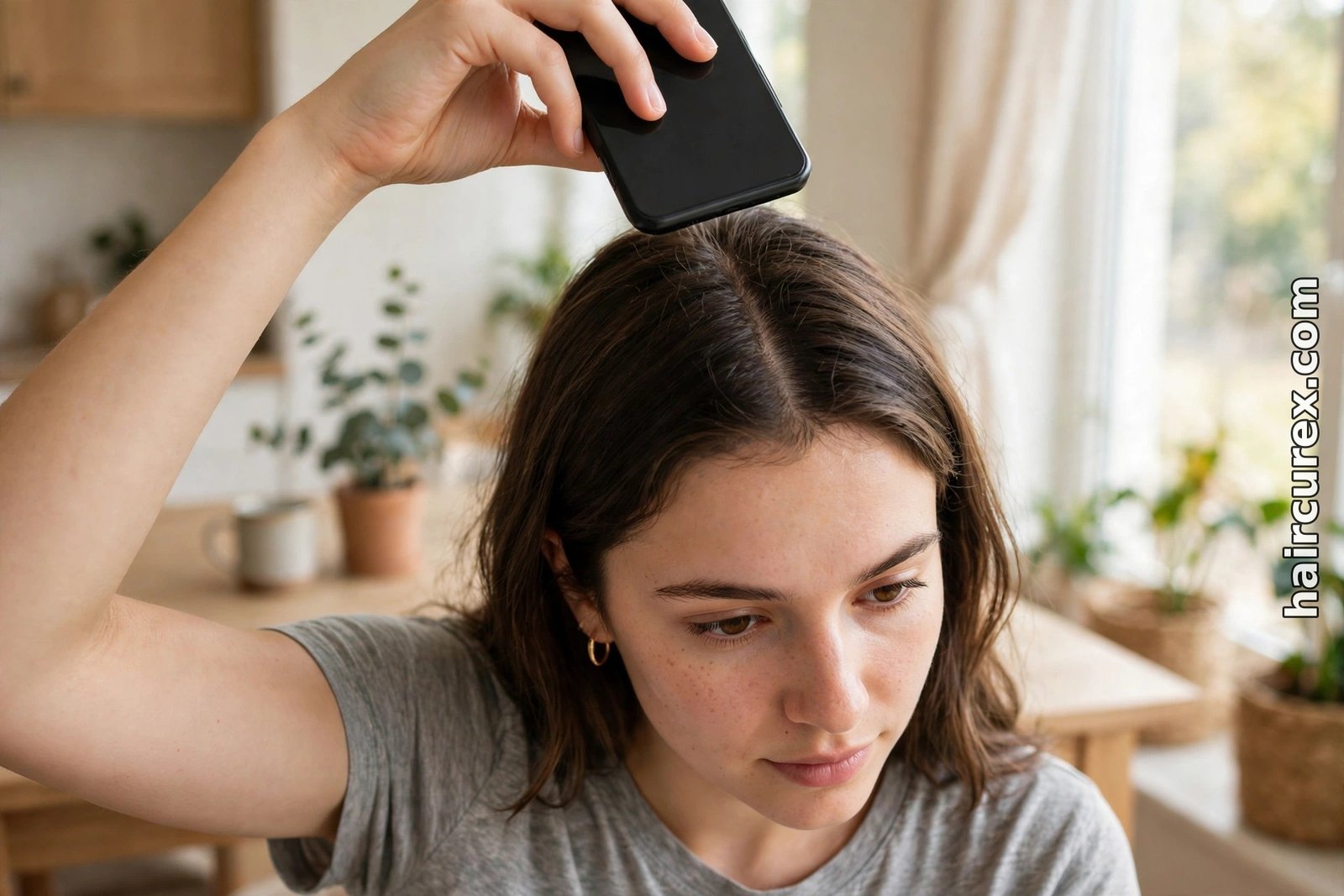
AI scalp analysis is a photo-based tool that looks at pictures of your scalp and hair and flags visible patterns, such as flaking, redness, oiliness, or how much scalp shows through your hair. It can help you track changes over time or prepare questions for a professional, but it cannot diagnose a medical condition, tell you why you are losing hair, or replace a dermatologist.
Many scalp conditions look alike in a picture even when their causes differ completely, so treat a report as an observation to check, not a verdict to act on — and see a doctor promptly if anything is sudden, patchy, painful, or getting worse.
What Is AI Scalp Analysis and How Does It Work?
AI scalp analysis is computer vision applied to the scalp. You upload close-up photos — usually of the parting, crown, hairline, and any area that worries you — and a trained model compares them against thousands of labelled examples, producing scores for visible traits: flaking, redness, oiliness or dryness, and visible hair density. The process is pattern matching, not medical examination.
The model has learned, for example, that white flecks often correlate with flaking and a wider parting with lower visible density. It has not examined your scalp under magnification, felt the skin, asked about your health history, or run a blood test — the steps that turn a visible pattern into a diagnosis, which no phone photo can supply.
Some tools are standalone apps; others sit inside a brand’s website or salon booking flow. A few pair the scan with a product recommendation — worth extra caution, since a tool selling the shampoo it recommends has a built-in reason to find a problem its product claims to solve. Our honest look at AI hair analysis explains the same gap: photo tools are good at visible basics and weak at anything beneath the surface.
What AI Scalp Analysis Can Plausibly Detect
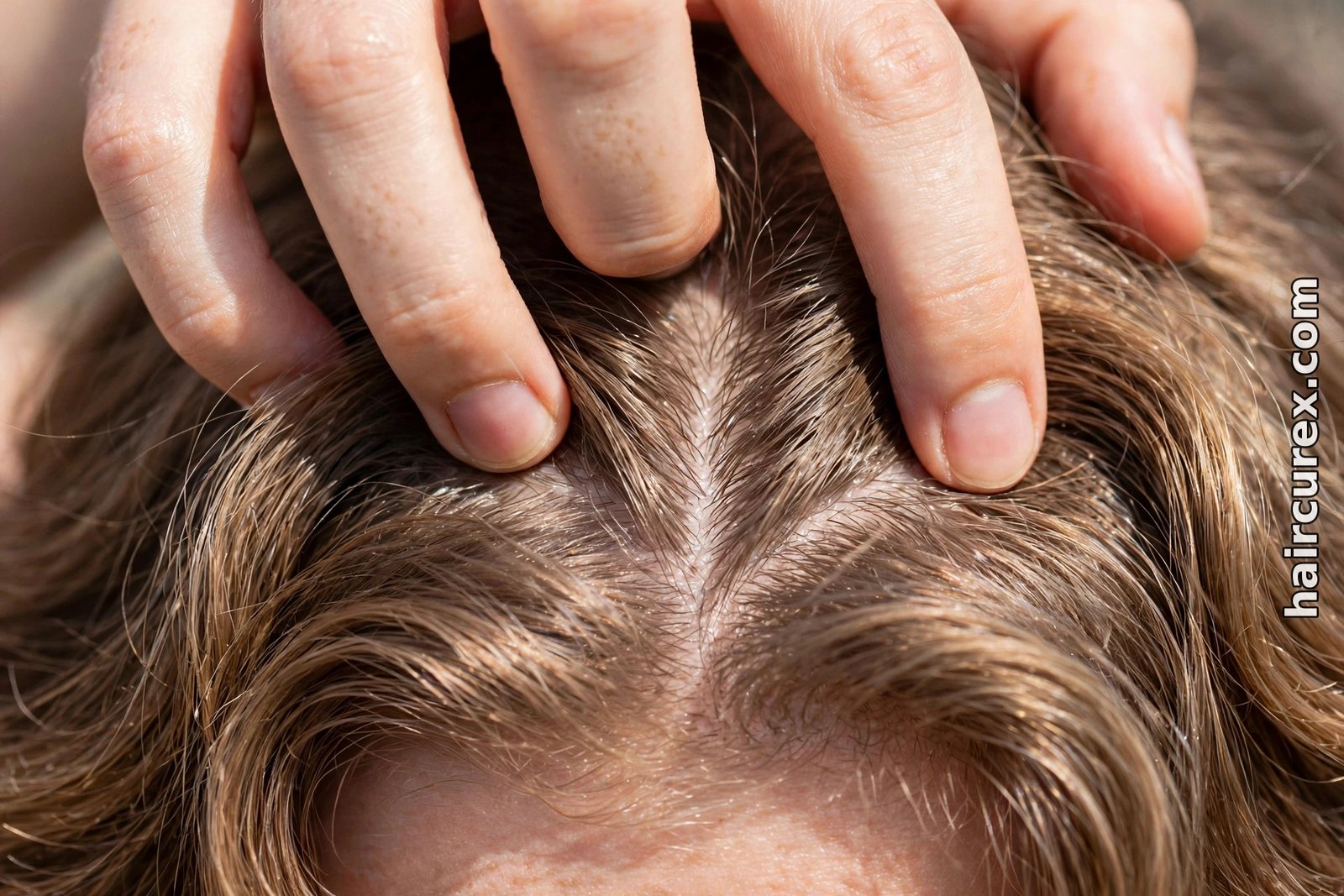
Used honestly, a scalp scan can do a handful of genuinely useful things. First, it can draw your attention to something you had not noticed, such as flaking along a rarely inspected parting or redness behind the hairline. Second, it gives you a consistent way to track visible change: photographing the same parting in the same light every month makes a widening part or increasing flaking easier to spot than memory alone.
Third, it helps you describe what you see more precisely to a stylist or clinician: “my report flagged moderate flaking at the crown for three months” beats “my scalp feels off.” Fourth, it can support simple cosmetic decisions needing no diagnosis, such as a gentler wash routine for a dry-looking scalp.
What matters is the word “visible”: a good report describes what is visible in your photos, while one naming a disease, hormone problem, or exact cause of hair loss from a photo goes beyond what the evidence supports, however confident it sounds.
What AI Scalp Analysis Cannot Prove
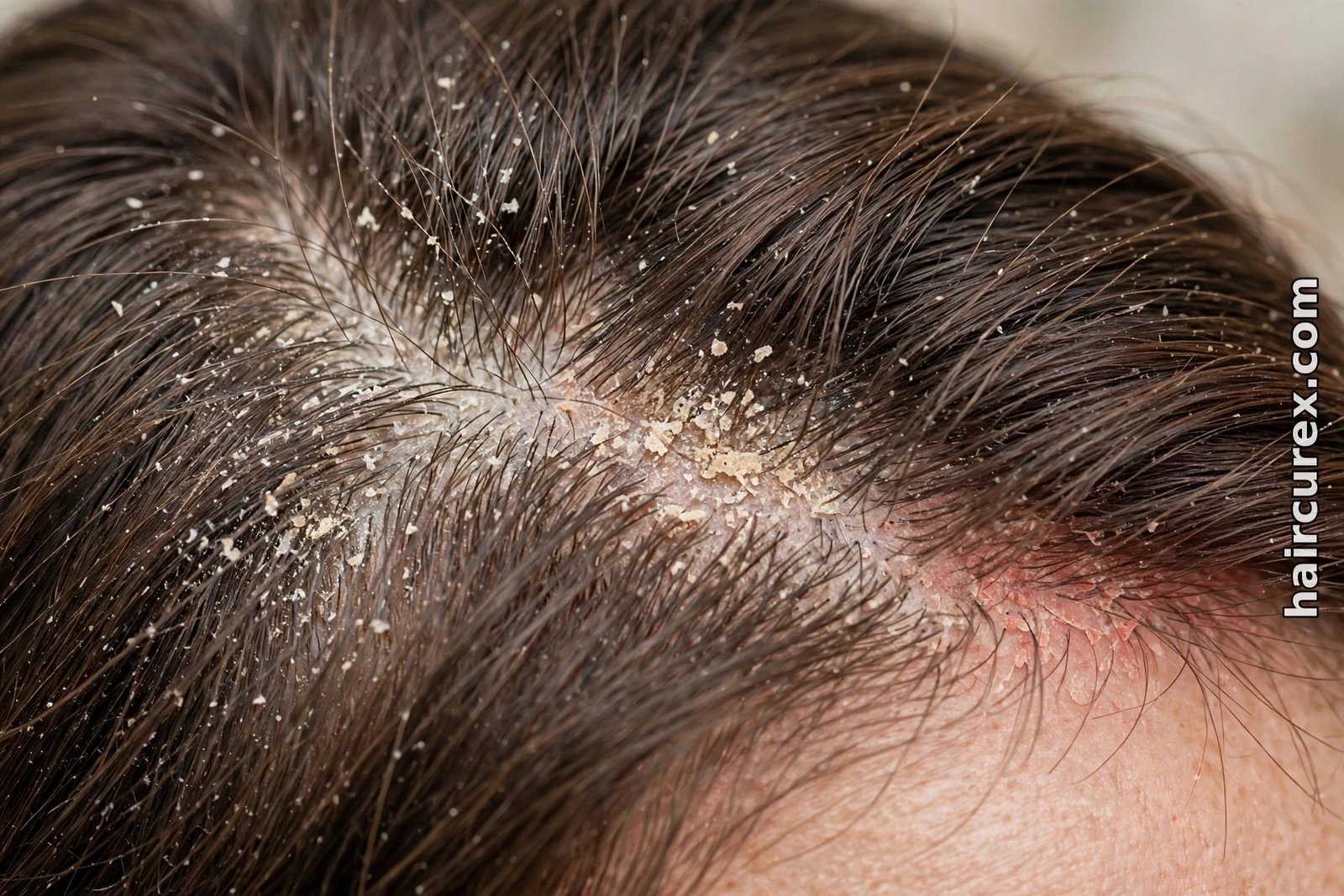
Read this section twice before acting on any report. A photo cannot distinguish conditions that look similar on the surface: dandruff, seborrheic dermatitis, and psoriasis can all involve flaking and redness, yet they are different conditions with different care. A camera cannot see inflammation beneath the skin, test for fungal infection, check thyroid or iron levels, or tell whether thinning is temporary shedding, a hereditary pattern, or a scarring condition needing urgent attention.
A photo cannot judge hair health below the surface: it cannot measure porosity, see internal shaft damage, or predict regrowth, and “follicle health scores” are estimates from surface appearance, not follicle measurements.
A single scan also cannot tell you whether a change is meaningful — shedding varies with seasons, stress, illness, and styling. One alarming score after a bad photo is not a trend; repeated photos under the same conditions over weeks are far more informative, and even then they show appearance, not a diagnosis.
| Visible flaking | white flecks and dry patches in the photo | not the cause of the flaking |
| Redness or irritation | areas that look red or inflamed in the image | not which condition is causing it |
| Oiliness or dryness | shine, residue and dry patches on the surface | not hormone, diet or medical causes |
| Visible hair density | how much scalp shows through the hair in that area | not the cause of thinning or whether hair will regrow |
| Thinning pattern | widening part or thinner-looking areas over repeated photos | not a diagnosis of pattern hair loss or any medical condition |
| Overall scalp appearance | a consistent visual record to track over time | not a substitute for an in-person examination, history, or tests |
How to Take Usable Scalp Photos
A scalp scan is only as good as its photos, and most disappointing results start here rather than with the algorithm. Wash and fully dry your hair first, and skip heavy oils, gels, and dry shampoo, which change how the scalp looks on camera. Work in bright, even daylight near a window, facing the light, and avoid harsh overhead bulbs that throw shadows across the parting.
Part your hair cleanly where the app asks, and hold the phone steady about 20 to 30 centimetres from the scalp — close enough to see skin, not so close that the image blurs. Take the same views each time (centre parting, crown, hairline, any area of concern) so later scans are comparable.
With thick or curly hair, hold the parting open with fingers or a comb, and ask someone to help with the back of the head rather than guessing from a mirror selfie. Avoid filters, beauty modes, and screenshots of older photos, all of which change colour and texture. If a result looks wildly different from the last scan, retake the photo before worrying about the score.
How to Read a Typical Report Without Over-Trusting It
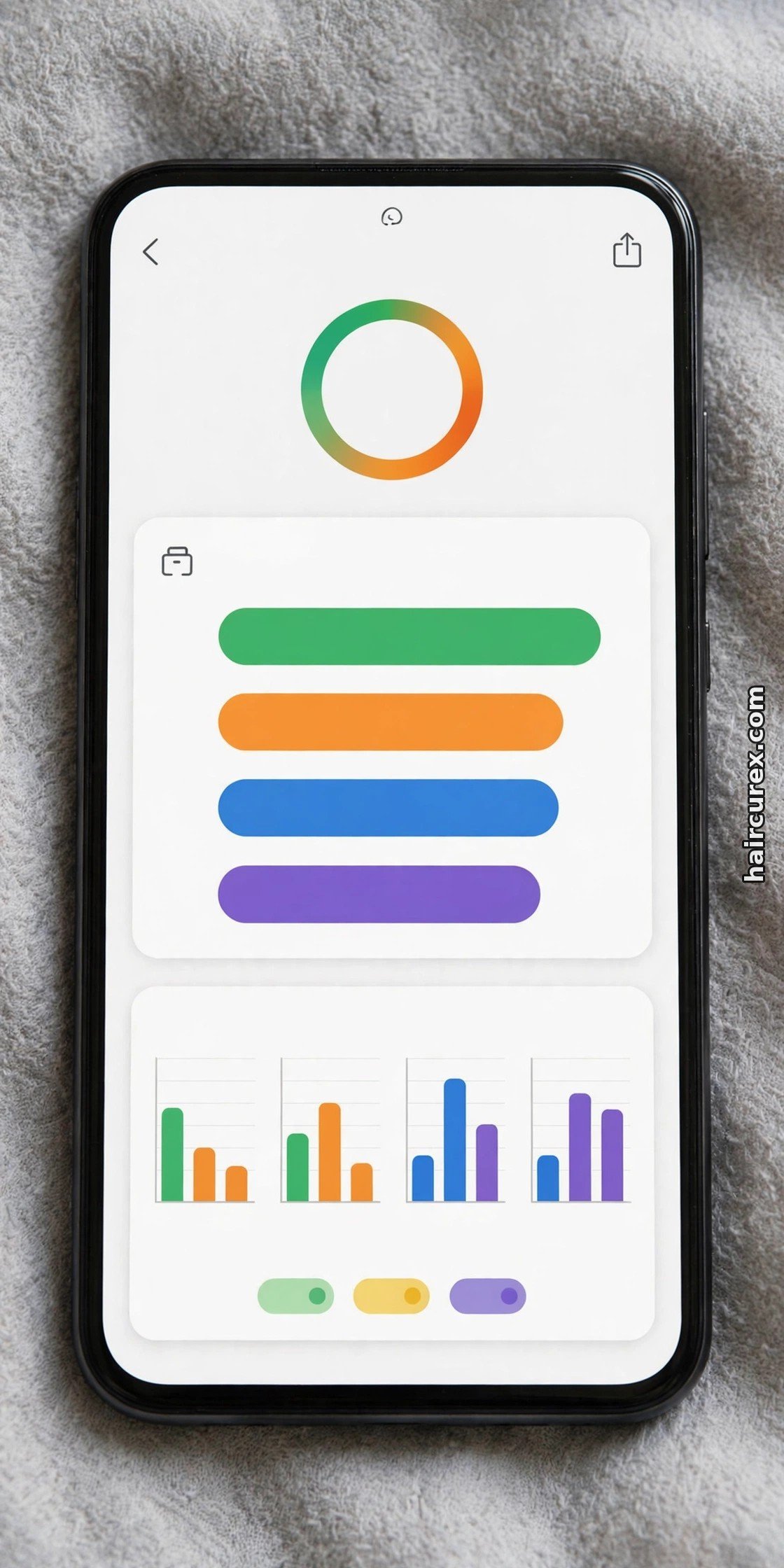
A typical report gives scores — often percentages or low, medium, and high ratings — plus a short summary and sometimes product suggestions. Start by checking what it actually measured: scores labelled “flaking,” “oiliness,” or “visible density” describe appearance in your photos, while scores using disease names, deficiency claims, or growth predictions should be treated as marketing language, not findings.
Next, look for consistency rather than drama. One high score on one day is weak evidence; the same area scoring higher across three scans in the same light over several weeks is a pattern worth showing to a professional. Reputable tools also state clearly that results are informational only and not medical advice — if a tool has no disclaimer or explanation of how it works, that absence is itself useful information.
Finally, separate observation from recommendation: a report can reasonably say “flaking visible at the crown,” but cannot reasonably jump to “you need this medicated shampoo” without knowing your history and sensitivities. Keep the observation, and decide on products separately, ideally after a patch test and, if symptoms persist, professional advice.
Accuracy Limits: Lighting, Hair Density, and Skin Tone Bias
Photo tools carry well-known accuracy limits, and knowing them stops a misleading result from worrying you. Lighting is the biggest: bright light can make fine hair look thinner, dim light can hide texture in dark hair, and a shadow across the parting can look like thinning. That is why same-light, same-angle comparisons matter more than any single score.
Density and texture also change what the camera sees. Very thick hair can hide the scalp entirely; very fine hair shows more scalp even when density is normal. With curly and coily hair, shrinkage and volume can make density vary photo to photo with parting and drying — judge a report against your own knowledge, and be sceptical of tools returning the same smooth result for every texture.
Skin tone bias is a real computer-vision concern: a model trained mostly on lighter skin and straighter hair may read redness less reliably on darker skin or misjudge flaking against darker hair. Tools trained on a wide range of skin tones and textures are a better bet, but if a report contradicts your experience — calm scalp, daily itching — trust your experience and get checked.
Privacy: What Happens to Your Scalp Photos?
Scalp and face photos are personal data and deserve more care than a casual upload. Before using any scalp app, check three things: how long the company stores your photos, whether it uses uploads to train its models, and whether you can delete your photos and account. Prefer tools with easy deletion, and avoid tools with no privacy policy or no deletion option.
Also check permissions: a scalp scan needs camera access for photos you choose to take, not your contacts, location history, or whole photo library. Decline what it does not need, never upload photos of anyone else, and delete uploads once you have saved what you need. Be equally careful with “free” scans that ask for a card upfront — a genuinely free first scan should not need payment details — and with any company that cannot explain its storage and deletion policy in plain language.

When to See a Dermatologist Instead of an App
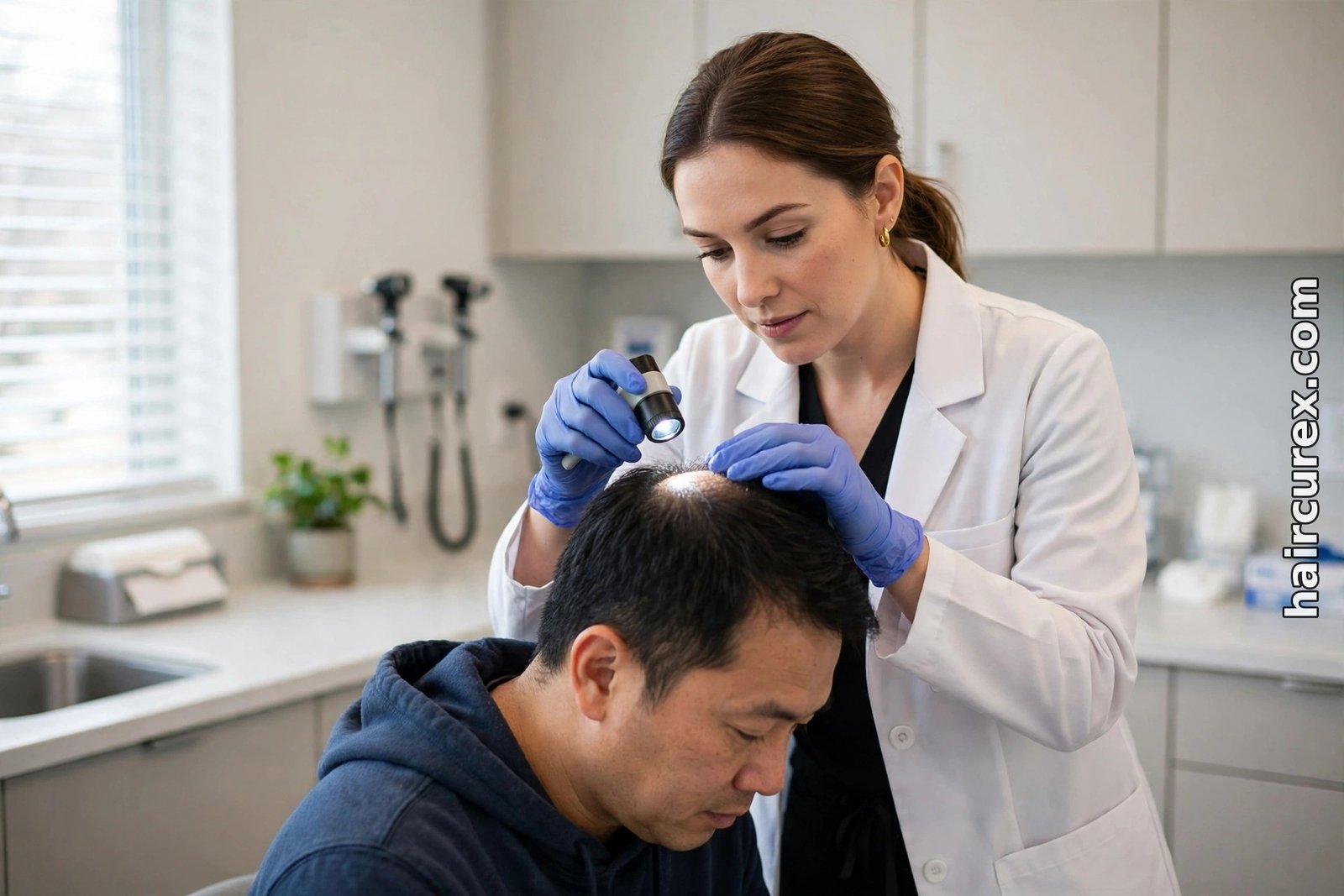
Some signs should send you to a professional promptly, without waiting for another scan: sudden or patchy hair loss, a fast-appearing bald spot, pain, tenderness, sores, pus, crusting, or bleeding on the scalp, or a scalp that stays red, scaly, or inflamed despite basic care. The same applies to any rapid change, hair loss together with symptoms such as fatigue, weight change, or irregular periods, and hair loss in a child.
These are exactly where early examination matters: some scarring conditions can damage follicles permanently if missed, and several causes — from scalp infection to thyroid or nutritional problems — need tests a photo cannot provide.
The American Academy of Dermatology notes early detection matters for scarring hair loss and that a board-certified dermatologist can diagnose its type; MedlinePlus lists unusual patterns, rapid loss, pain, itching, and red or scaly scalp skin among reasons to contact a health care provider. Do not wait for an app to confirm what you can already see — book the appointment and bring your photos and reports, which help the clinician but do not substitute for being examined.
How to Use a Report With a Stylist or Clinician
A report is most useful as a conversation, not a conclusion. Before an appointment, save the clearest photos and the report, and note dates, areas scanned, and anything noticed since: itching, tightness, shedding, product changes, illness, or stress. That timeline is often more useful to a clinician than any score.
Ask: does what you see in person match the report, and if not, why? What else could explain this pattern, and what would rule those causes in or out? Does anything need testing rather than a new product, and what change means coming back sooner?
A stylist can help cosmetically: whether a cut or parting change hides an area, whether a product is building up, and whether a style pulls too tightly. For AI style previews, see our guides to the AI hairstyle changer and the best free AI hairstyle changer apps; the free hairstyle finder quiz and hair growth calculator are low-stakes starting points for style and goals without medical claims. Keep the roles clear: preview tools for style, photo scans for observations, professionals for diagnosis.
Is AI Scalp Analysis Worth Trying?
For the right person, yes, with realistic expectations. If you are curious about your scalp, want a consistent visual record, or want a better way to describe what you see to a stylist or clinician, a careful scan can help: it costs little, takes minutes, and can catch a visible change earlier than memory alone.
It is not worth much if you expect it to diagnose a condition, explain your hair loss, or choose a treatment — those questions need a person who can examine you, take a history, and order tests. Used as a notebook for your scalp, not a doctor in your pocket, AI scalp analysis can genuinely help without pretending to be something it is not.
Frequently Asked Questions About AI Scalp Analysis
Q: Can an AI scalp analysis app diagnose my hair loss?
A: No. An app analyses photos and flags visible patterns, but it cannot diagnose hair loss or any scalp condition. Diagnosis needs an in-person examination, a health history, and sometimes blood tests or a scalp biopsy, which only a clinician can arrange.
Q: What can AI scalp analysis actually show?
A: It can show visible surface traits in your photos, such as flaking, redness, oiliness or dryness, and how much scalp is visible through the hair in a given area. Repeated scans in the same light can also reveal visible change over time.
Q: How accurate is an AI scalp analysis report?
A: It depends heavily on photo quality, lighting, hair density and texture, and the range of skin tones and hair types the model was trained on. Results are best as a consistent visual record, and a single score from one photo should never be treated as a final answer.
Q: What photos should I upload for a scalp analysis?
A: Clean, dry, product-free hair in bright, even daylight, with the hair parted cleanly and the phone held steady about 20 to 30 centimetres from the scalp. Take the same views each time — centre parting, crown, hairline, and any area of concern — and avoid filters and beauty modes.
Q: Is it safe to upload scalp photos to an AI app?
A: It depends on the provider. Check how long photos are stored, whether uploads are used to train models, and whether you can delete them. Prefer tools with a clear privacy policy and a deletion option, decline permissions the app does not need, and delete uploads once you have what you need.
Q: When should I see a dermatologist instead of using an app?
A: See a dermatologist promptly for sudden or patchy hair loss, pain, sores, pus, crusting or bleeding on the scalp, persistent redness or scaling, rapid change, or hair loss alongside other symptoms such as fatigue or weight change. Do not wait for an app to confirm a symptom that already worries you.