
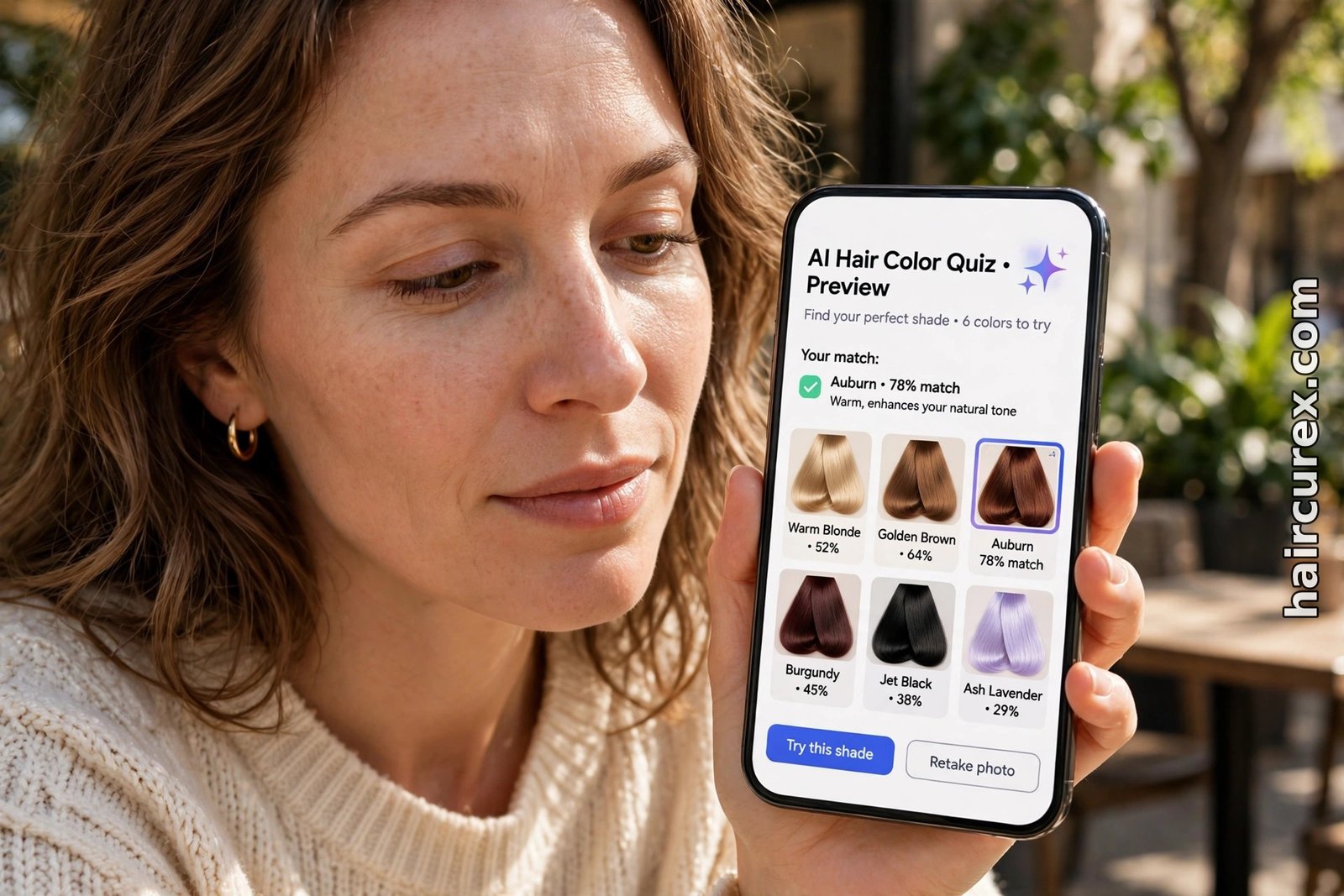
An AI hair color quiz is a short online quiz, often paired with a selfie scan, that asks about your skin undertone, natural hair color, eye color and goals, then shortlists hair shades it thinks will suit your skin tone. It works by matching your answers and your photo to color families — warm shades like honey and copper for warm undertones, cool shades like ash and espresso for cool undertones — and then showing those shades previewed on your own face.
It is a genuinely useful shortlist tool, and it is free in most apps, but it is a starting point, not a salon result: lighting, your starting hair color and your hair’s condition all change how a shade actually turns out, so use the quiz to narrow the field and then confirm the winner with a stylist or a strand test.
What Is an AI Hair Color Quiz?
An AI hair color quiz combines two older ideas: the color quiz and the photo try-on. The quiz part asks questions a colorist would ask in a consultation — what is your natural color, have you colored before, do you tan or burn, does gold or silver jewelry suit you better, do you want brightness, coverage, or a bold change? The AI part adds a selfie: the tool scans your face, estimates your skin tone and undertone, measures the contrast between your skin, eyes and hair, and renders its recommended shades onto your photo so you can see them on yourself rather than on a model.
That combination is what makes it more useful than a static shade chart. A chart tells you that honey blonde suits warm skin; a quiz tells you which of the warm shades suit your particular depth, contrast and starting color, and shows you the difference between honey blonde, caramel and copper on your own face.
Some quizzes, like the three-minute quiz and AI try-on from The Right Hairstyles, walk you through goals and coloring history first and then generate previews from your selfie. Others, such as YouCam Makeup’s AI color analysis, sort you into a seasonal palette — Spring, Summer, Autumn or Winter — and then recommend hair colors from that palette.
Not every tool called a quiz uses AI at all. Some are simple decision trees: answer five questions, get a shade name, no photo involved. Others are photo tools with a quiz bolted on. Both can help, but they are not the same thing, and the photo-based ones are the ones worth your time when you are choosing between close shades, because seeing a color on your own face catches mistakes a word-only answer never will.
How an AI Hair Color Quiz Works, Step by Step
Most AI hair color quiz tools follow the same five steps, and knowing them helps you spot where a result can go wrong.
Step 1: Your starting point. The quiz asks your natural hair color and level — how light or dark it is — and whether it has been colored, bleached or chemically treated before. This matters more than most people expect: dye cannot reliably lighten previously colored hair, and a shade that looks perfect on virgin light brown hair may need bleaching, and several sessions, on dark or previously colored hair.
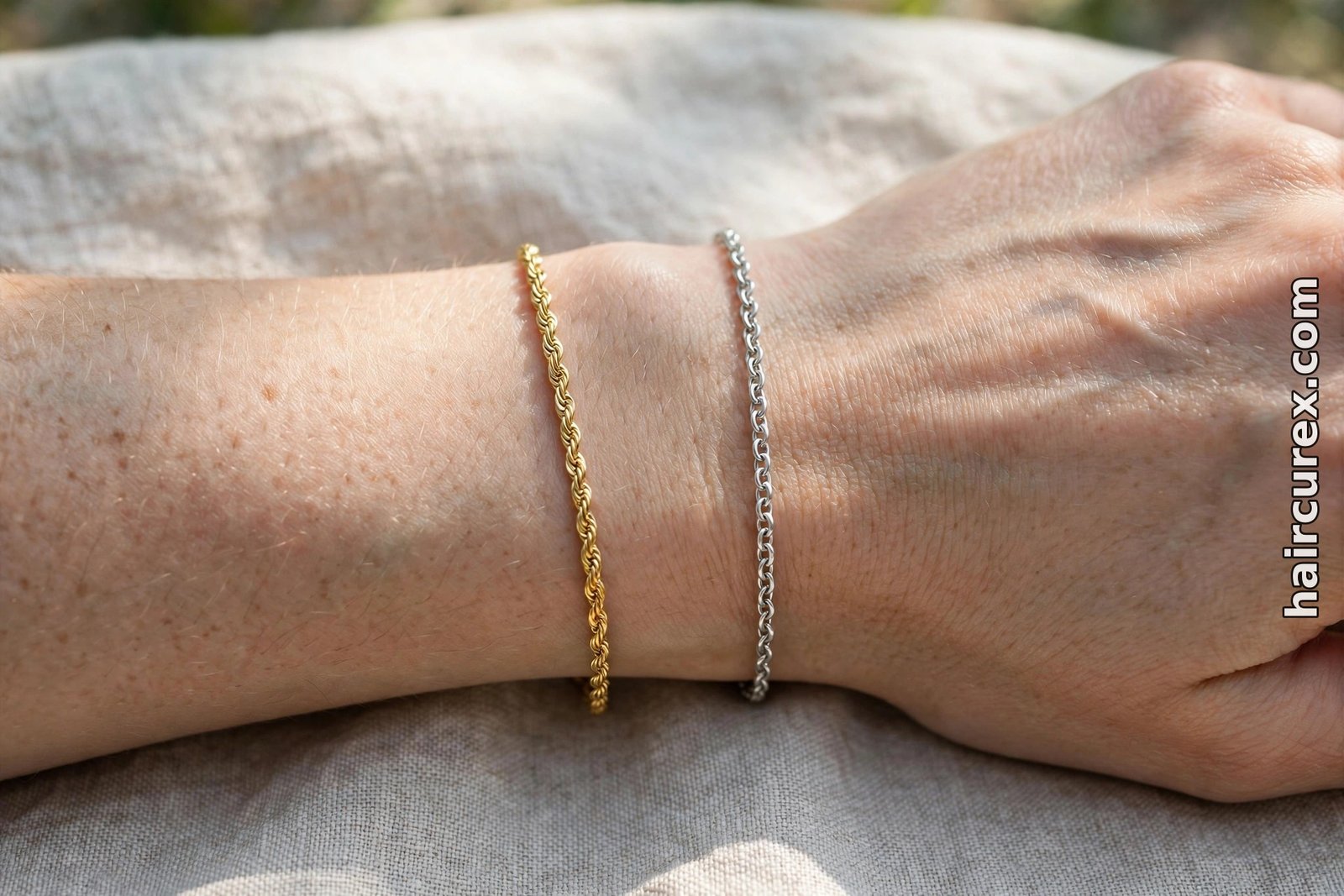
Step 2: Your undertone. Expect questions about wrist veins in daylight (greenish suggests warm, blue or purple suggests cool, a mix suggests neutral), whether gold or silver jewelry flatters you, and how your skin reacts to sun. These are clues, not verdicts — indoor light, makeup and tanning all shift what you see — so answer from daylight, without makeup, and do not force an answer if you genuinely cannot tell.
Step 3: Your contrast and features. The quiz or selfie scan looks at your eye color, your skin depth (fair to deep), and the contrast between your features. High-contrast coloring — dark hair and light skin, for example — can carry bold, saturated shades; low-contrast, soft coloring usually looks better in blended, muted shades. This is the step that separates a quiz from a generic “warm skin, try copper” list.
Step 4: Your goals and upkeep. Do you want to brighten your face, cover grey, go bolder, or stay close to natural? How often will you visit the salon? A quiz that ignores upkeep is doing you no favors: platinum needs regular toning and root work, while a gloss or a balayage grows out softly with far less maintenance.
Step 5: The preview. The AI renders its shortlist on your selfie. Compare the shades side by side in the same light, on the same photo. If one shade makes your skin look brighter and your eyes clearer and another makes you look tired or washed out, trust that comparison — it is the whole point of the exercise.
How to Take a Good Quiz Photo
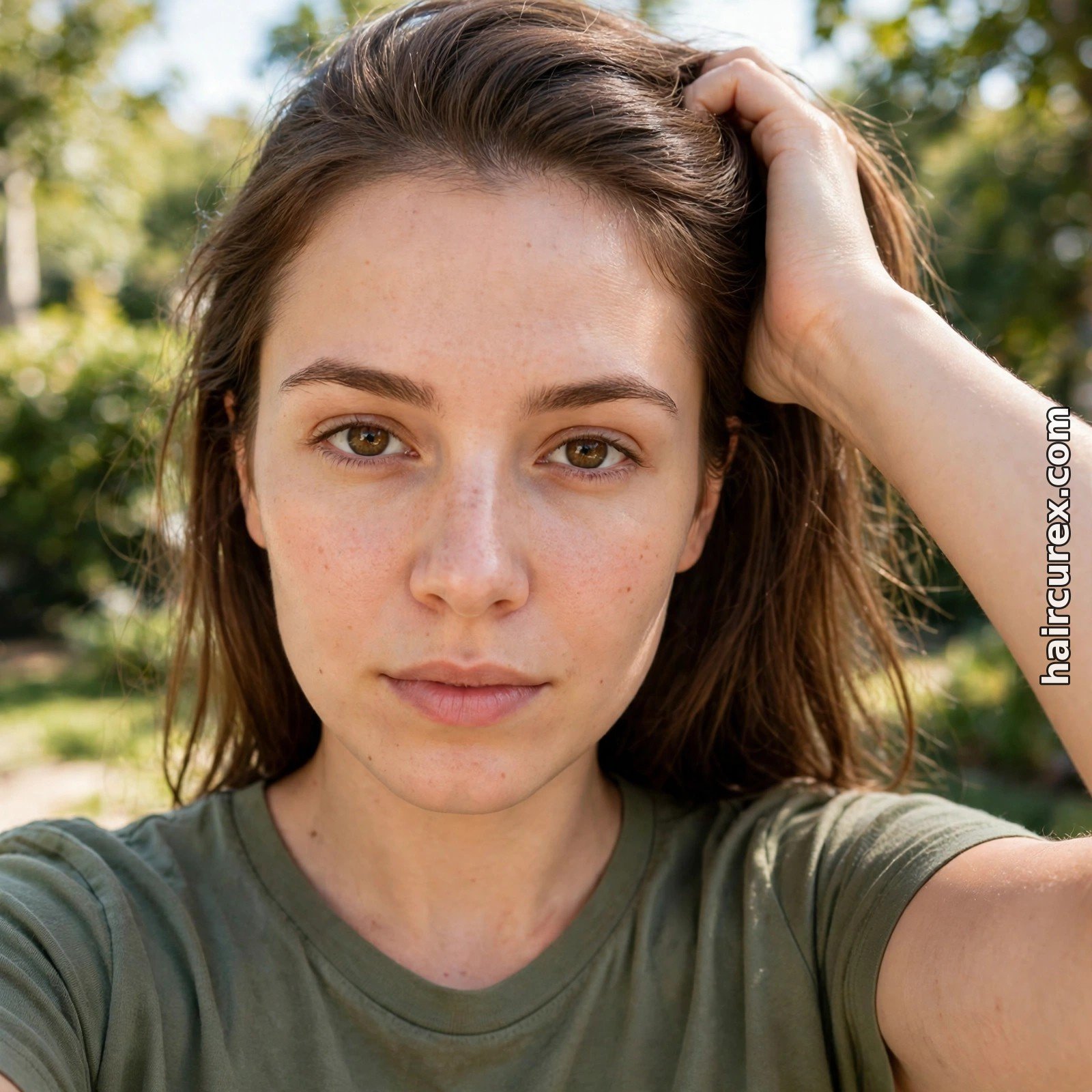
An AI hair color quiz is only as honest as the photo you feed it, and most disappointing results start here rather than with the algorithm. Take the photo in bright, even daylight near a window, facing the light, with no makeup and no filter. Pull your hair back from your face so the tool can see your skin and hairline clearly, and hold the phone at eye level, straight on, about an arm’s length away.
Use a photo that shows your current, real hair color — not an old photo from before your last color, and not a screenshot of an edited picture. If the tool lets you upload more than one photo, add a second in different daylight. And repeat the quiz with the same photo if you try a second tool: comparing two tools on two different photos tells you about the photos, not the tools.
If a result looks wildly different from what you expected, retake the photo before doubting the shade. A shadow across one cheek, a warm indoor bulb, or a beauty mode smoothing your skin can shift the undertone the AI reads, and with it, the entire recommendation.
AI Hair Color Quiz: Understanding Your Result
Most quizzes return one of two kinds of result: a color family, or a seasonal type. A color family result is simple — “warm shades: honey blonde, caramel, copper” — and is easy to act on. A seasonal result sorts you into Spring (warm, light, bright), Summer (cool, light, soft), Autumn (warm, deep, muted) or Winter (cool, deep, high contrast), each with a palette of shades to favor and shades to avoid.
Seasonal results are useful as a filter, not a rulebook. If you are a Summer and the quiz says avoid strong orange, that does not mean a soft copper gloss is forbidden — it means a loud, saturated orange is a risky first move. Neutral undertones sit between seasons, and if your answers disagree — veins say warm, jewelry says cool — compare the two neighboring palettes and pick the shades that look better on your own photo, not the label that won the quiz.
Also read the “avoid” list as carefully as the “best” list. The shades a quiz warns you about are often the ones that would wash you out, fight your undertone, or demand upkeep you did not sign up for. A good quiz tells you what to skip and why, not just what to buy.
Best Shades by Skin Undertone
Use this as a starting map, then let your own photo decide between close shades. Warm undertones usually glow beside golden blonde, honey blonde, caramel, toffee brown, warm chestnut, copper and auburn — shades with golden, red or orange warmth. Very ashy blonde or blue-black can make warm skin look flat, though a cool toner can still help control brassiness after lightening without removing all warmth.
Cool undertones usually suit ash blonde, beige blonde, pearl and platinum blonde, espresso, cool mocha, mushroom brown, dark ash brown, blue-black, burgundy and plum — shades with beige, blue or violet bases that balance rosy skin. Bright orange-reds can fight cool skin; blue-reds like cranberry and merlot usually sit better.
Neutral undertones can wear both families, and the sweet spot is often balanced shades: bronde, soft chocolate, beige brunette and dimensional chestnut. Olive skin, with its muted green or grey cast, usually does best with balanced, muted shades — neutral brown, soft mocha, muted caramel, beige brunette — and can look sallow beside extreme yellow, orange, grey or blue-based colors. A guide to choosing hair color for your skin tone covers these combinations in more depth, with depth-by-depth examples from fair to deep skin.
Depth matters as much as temperature. A light warm shade may flatter fair warm skin, while a rich caramel or chestnut suits a deeper warm complexion better. The same family, different depth — which is exactly why the quiz asks about your skin depth and shows you shades on your face instead of handing you a single shade name.
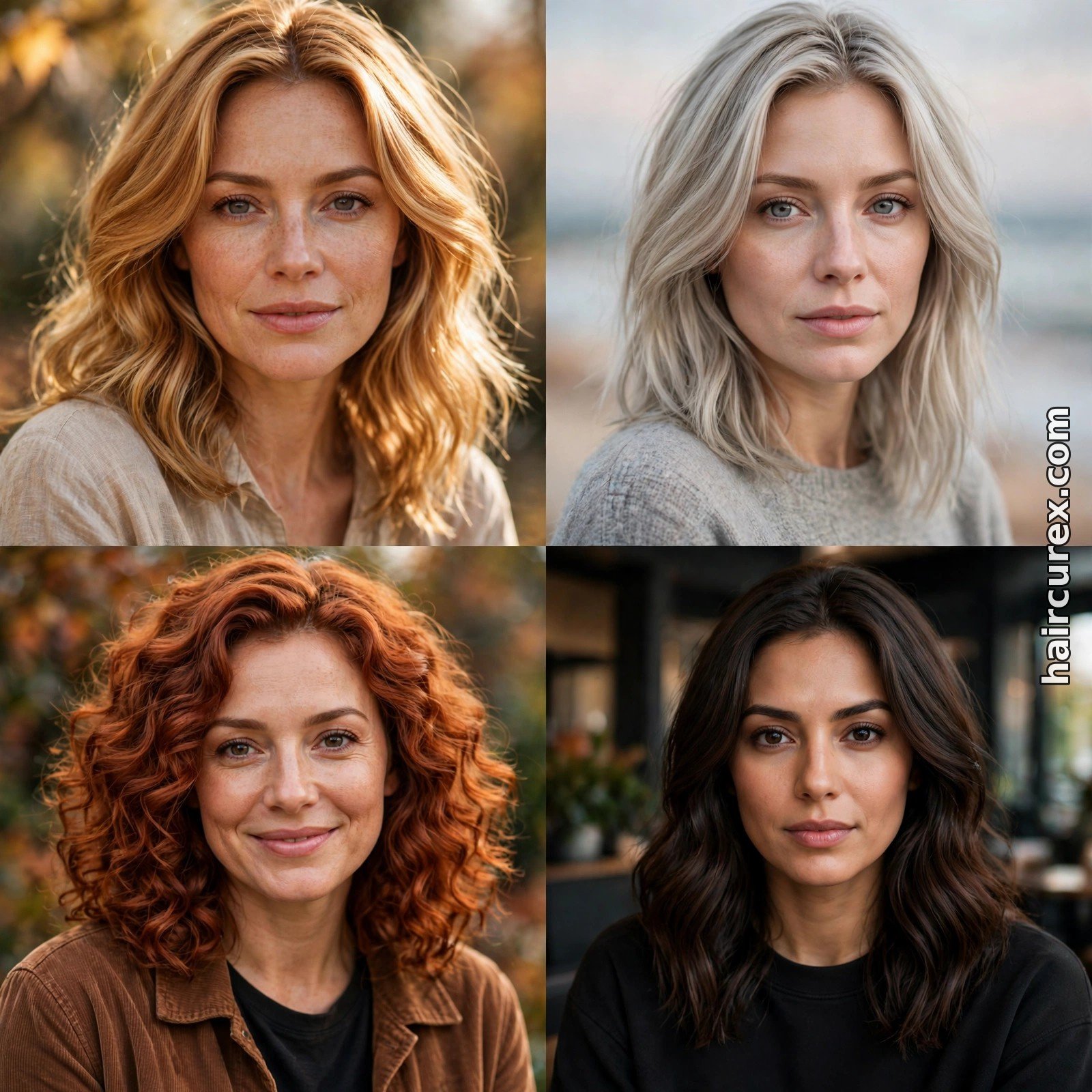
AI Hair Color Quiz vs Other Ways to Choose a Shade
| Method | What it uses | Best for | Watch out for |
|---|---|---|---|
| Self-quiz only | Answers to undertone and goal questions, no photo | A fast first guess at your color family | Vein and jewelry cues are subjective, and you never see the shade on yourself |
| AI selfie quiz | Quiz answers plus a selfie scan of skin tone, undertone and contrast | Seeing many shades on your own face in minutes, and comparing close shades | Photo lighting and filters can shift the result; a bad photo gives a bad shortlist |
| Brand shade matcher | Your answers matched to one brand’s dye range | Finding a buyable product in a specific range | Recommendations are limited to that brand’s shades |
| Salon consultation | A colorist, real light, your real hair | The most accurate read, including starting color, condition and technique | Costs time and usually a consultation fee; the colorist’s eye varies |
| AI hair color changer | A still photo recolored shade by shade | A careful, realistic check of your shortlist before a salon visit | Free tiers limit previews, and screen color is never exact |
No single method is perfect, and the strongest approach combines two: take the AI hair color quiz, then check its top two or three shades in a dedicated AI hair color changer on a good still photo, or take the quiz results to a colorist. The quiz narrows, the changer or the consultation confirms. Our guide to the best free AI hairstyle changer apps covers changer tools in detail, and our general AI hairstyle changer guide explains how photo-based previews differ from live filters. If you are also changing your cut, our hairstyle finder quiz can narrow the shape before you spend more time on color.
Where an AI Hair Color Quiz Goes Wrong
The most common failure is lighting. A photo taken under a warm indoor bulb can make cool skin read warm, and a photo in harsh overhead light can wash out depth entirely. The quiz then recommends a family that flatters the photo, not you. The fix is boring and effective: daylight, no makeup, no filter, same photo across tools.
The second failure is starting color. Quizzes often assume virgin hair, or ask about coloring history in a single vague question. If your hair has old color, bleach or henna in the lengths, the shade on screen may be unachievable in one session, or achievable only with damage. Tell the quiz everything, and tell your colorist even more — the quiz cannot see your hair’s history, but your colorist can, and should, before mixing anything.
The third failure is screen color. Phone screens, screen brightness and the tool’s own color grading all shift a shade. A chocolate brown on screen may read warmer or darker in the salon, and a “rose brown” may be pinker than you expected. Treat on-screen shades as relatives, not exact matches: bring the preview, name the family and depth you liked, and let the colorist translate it to a real formula for your hair.
The fourth failure is over-trust. Photo tools share the same limits as other AI hair tools: they judge appearance, not hair health, porosity or chemical history. Our honest look at AI hair analysis explains the same gap for scalp and hair-health scans. A quiz can say a shade suits your skin; it cannot say your hair can survive the lightening needed to get there. That second question needs a person who can touch your hair and test a strand.
Privacy: What Happens to Your Selfie?
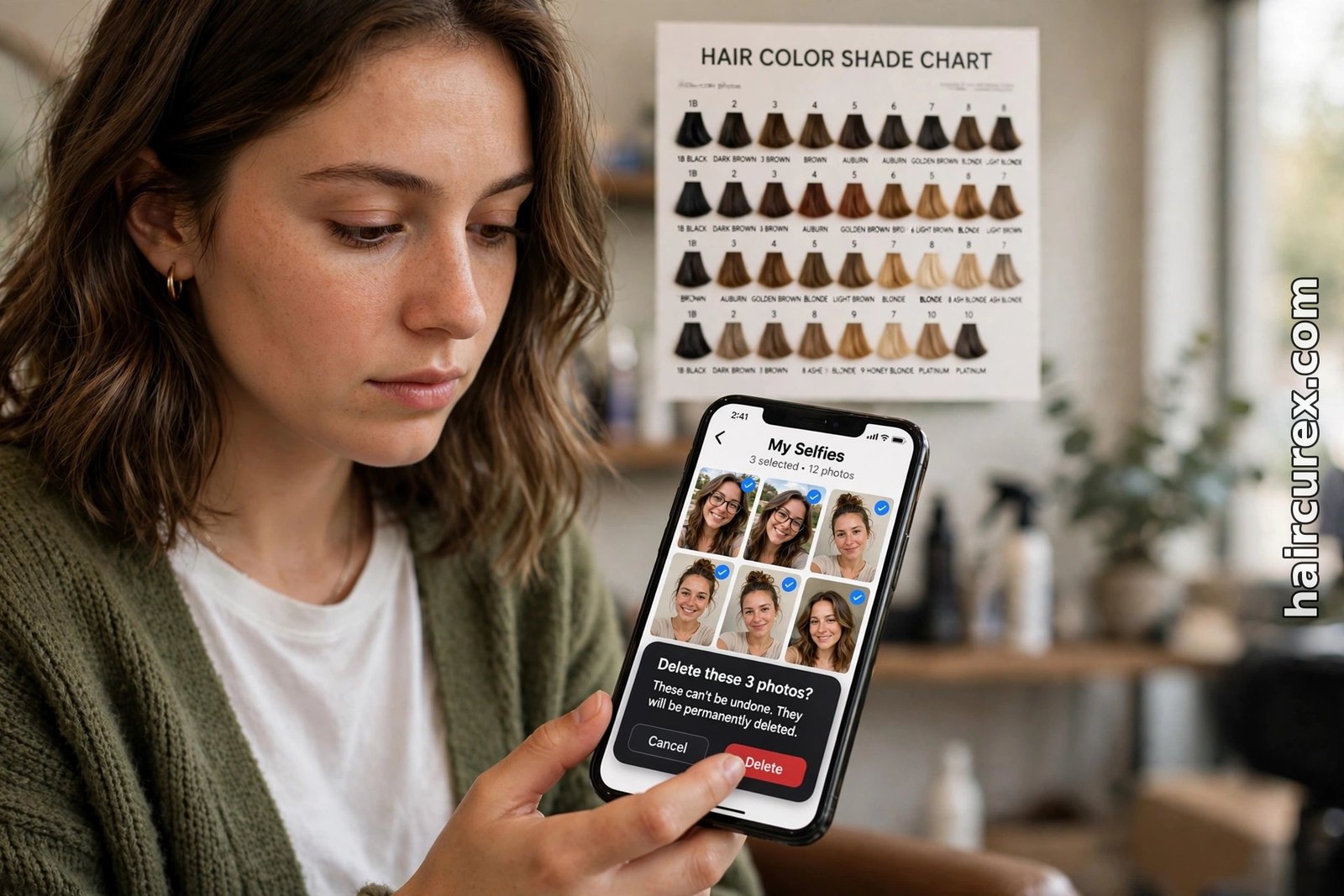
A selfie is personal data, and a quiz that scans your face deserves the same care as any photo tool. Before uploading, check how long the company stores your photo, whether uploads are used to train its models, and whether you can delete your photo and account. Prefer tools with easy deletion and a clear privacy policy, and avoid tools with no policy or no deletion option.
Decline permissions the tool does not need: a color quiz needs a photo you choose to upload, not your contacts, location history or whole photo library. Never upload someone else’s photo without their permission. Be wary of “free” quizzes that ask for a card upfront — a genuinely free quiz should not need payment details — and delete your uploads once you have saved the shades you need. If a tool offers a paid full report, read what it adds before paying: a shade gallery on your own photo may be worth it, but a generic palette PDF probably is not.
Taking Your Quiz Result to Your Stylist
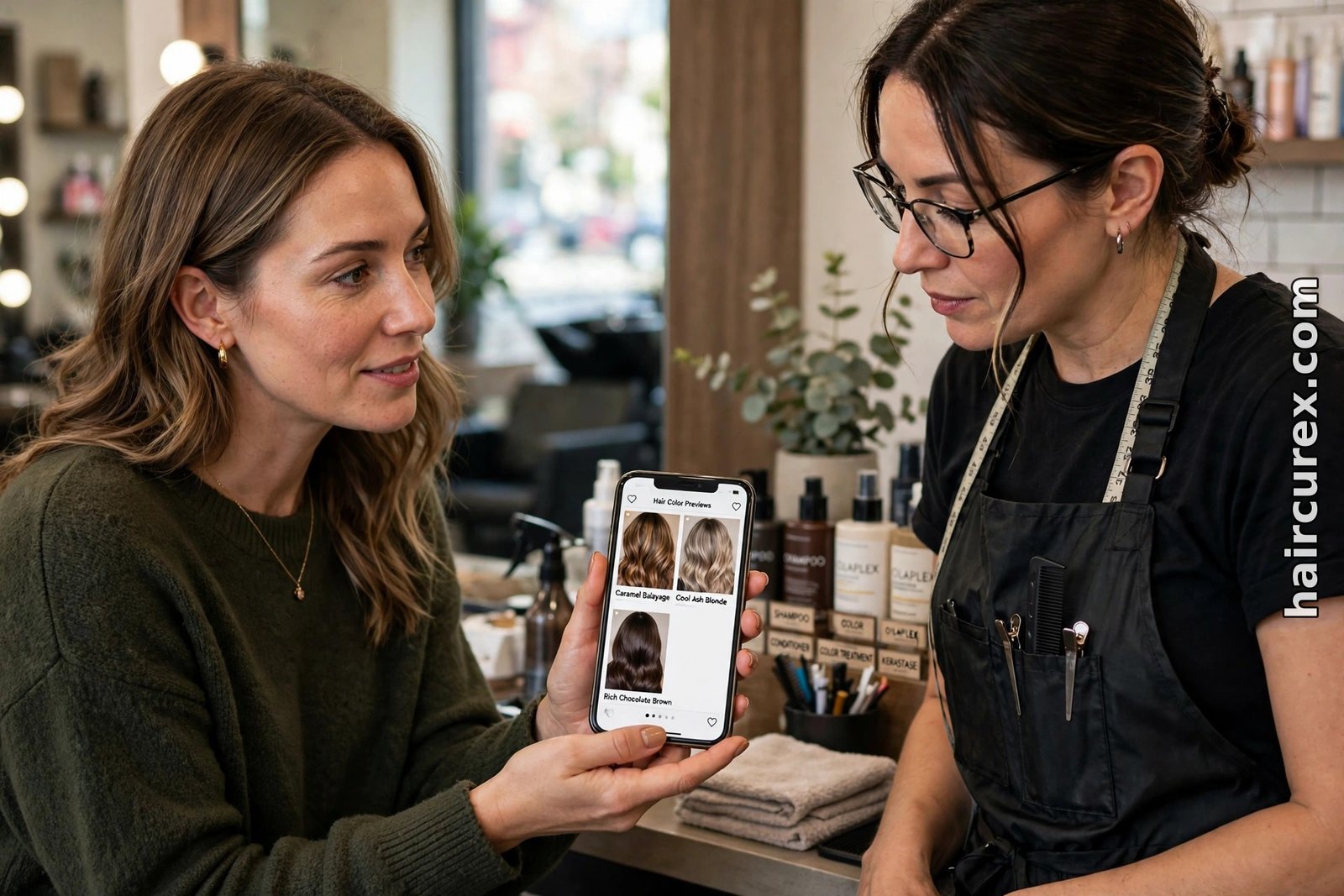
Take two or three saved previews to your appointment, not twenty. Show your colorist the winning shade and one close alternative, and say what you liked about each: the warmth, the depth, the brightness around your face. Ask directly whether your starting color and hair condition can reach that shade, how many sessions it will take, how it will grow out, and what maintenance it needs. A good colorist will tell you if a preview needs adjusting — a softer version of the same family, a gloss instead of permanent color, or a balayage instead of all-over color.
Mention the things a quiz cannot see: previous color still in your lengths, grey percentage, a sensitive scalp, or a history of breakage from lightening. Those details change which version of a preview is actually achievable. If you are considering a cut as well as color, decide the shape first and the color second where possible, so the appointment stays focused. And if the colorist disagrees with the quiz, listen: the quiz saw one photo, the colorist is looking at your real hair in real light.
Is an AI Hair Color Quiz Worth Trying?
For most people, yes, with realistic expectations. It costs little, takes minutes, and can save you from the most common color mistake: choosing a shade from a model’s photo that was never going to suit your skin. It is at its best as a shortlist and a conversation starter — the thing you bring to the salon, not the thing that replaces the salon.
It is not worth much if you expect an exact formula, a guaranteed result, or a diagnosis of what your hair can handle. Those questions need a colorist, a strand test, and sometimes patience across sessions. Used honestly — daylight photo, honest answers, two or three finalists, a professional’s second opinion — an AI hair color quiz is one of the cheapest, lowest-risk ways to avoid a color you regret.
Frequently Asked Questions About AI Hair Color Quiz
What is an AI hair color quiz? An AI hair color quiz is a short online quiz, often paired with a selfie scan, that asks about your skin undertone, natural hair color, eye color and goals, then shortlists hair shades it thinks will suit your skin tone and shows them previewed on your own photo.
How accurate is an AI hair color quiz? It is accurate as a shortlist, not as a guarantee. Results depend on photo lighting, honest answers about your coloring history, and your starting hair color. Daylight photos without makeup or filters give the most reliable shortlist, and a stylist or strand test should confirm the final shade.
How do I find my skin undertone for a hair color quiz? Look at your wrist veins in natural daylight: greenish veins often suggest warm undertones, blue or purple veins suggest cool undertones, and a mix suggests neutral. Gold jewelry flattering you points warm, silver points cool. Use more than one test, in daylight, without makeup.
What hair colors suit warm skin tones? Warm undertones usually suit golden blonde, honey blonde, caramel, toffee brown, warm chestnut, copper and auburn. Very ashy or blue-based shades can make warm skin look flat, though a cool toner can still control brassiness after lightening.
What hair colors suit cool skin tones? Cool undertones usually suit ash blonde, beige blonde, pearl and platinum blonde, espresso, cool mocha, mushroom brown, blue-black, burgundy and plum. Bright orange-reds can fight cool skin, while blue-reds like cranberry and merlot usually sit better.
Should I show my quiz result to my stylist? Yes. Take two or three saved previews, say what you liked about each, and ask whether your starting color and hair condition can reach that shade, how many sessions it will take, and what maintenance it needs. A preview starts the conversation; it does not replace the colorist’s judgment.