

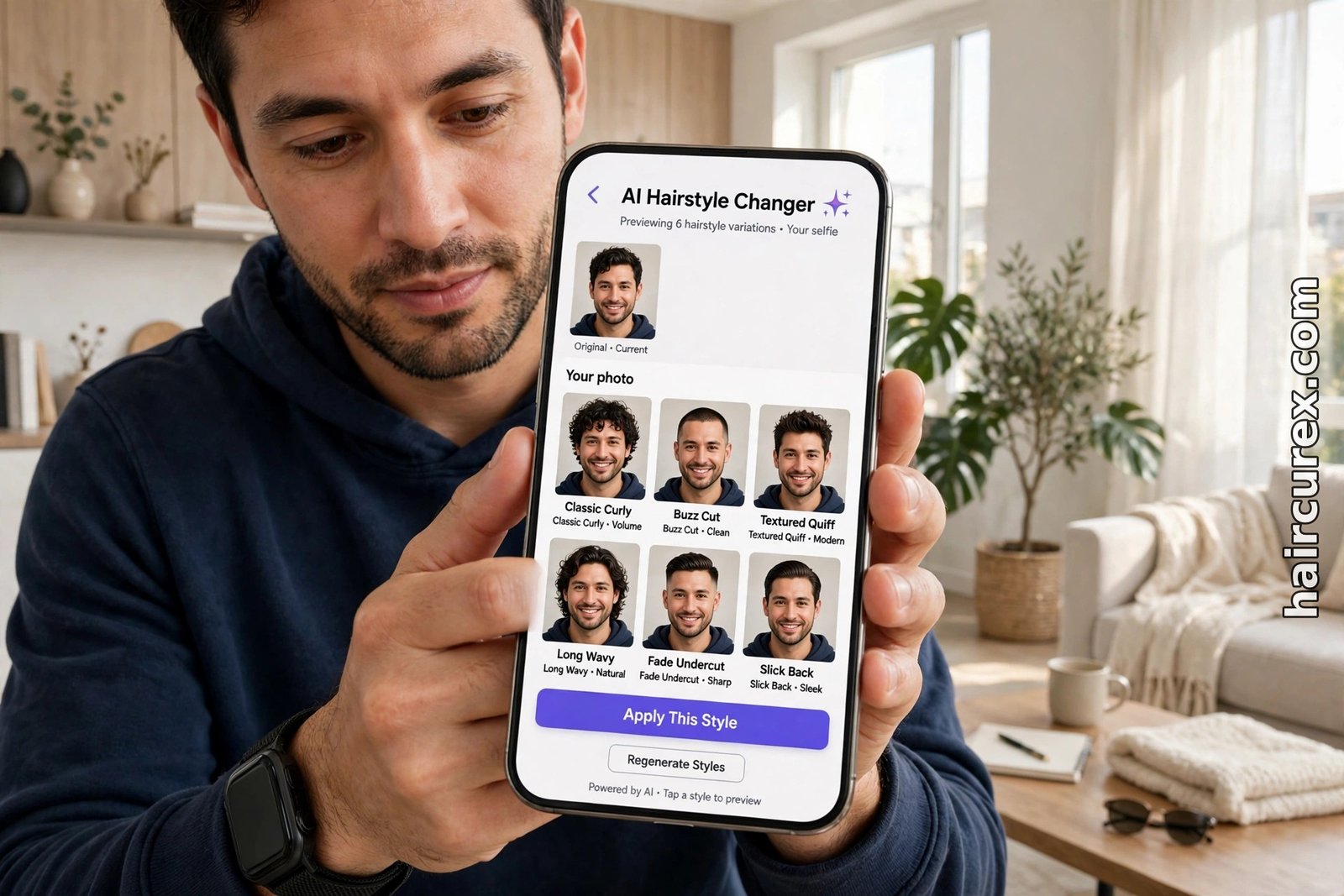
An AI hairstyle changer for men is a tool that takes a photo of you and shows you wearing a different men’s haircut — a fade, a textured crop, a quiff, a buzz cut or longer hair — before you sit in the barber’s chair. You upload a clear, front-facing selfie, pick a style from a library or upload a reference photo, and the tool rebuilds the hair in your picture while keeping your face, skin tone and background as close to the original as possible.
Most tools are free to start, with a few free previews per account, and the result is best used as a shortlist to discuss with your barber, not as a promise of exactly how the cut will look on your real hair.
What Is an AI Hairstyle Changer for Men?
An AI hairstyle changer for men is different from a photo filter. A filter pastes a cartoonish wig shape over your photo, while a changer redraws the hair itself: it reads your face shape, hairline, head angle and lighting, then renders a new cut that follows those features. That is why a good preview looks like you with a different haircut, rather than you wearing someone else’s hair in a photo.
Men’s changers matter because men’s cuts are decided by small differences. A mid fade and a high fade differ by an inch of blending; a textured crop and a French crop differ in how the fringe sits; a quiff lives or dies on how much length is left on top.
Describing those differences in words — “short on the sides, a bit longer on top” — leaves a lot open to interpretation, and a cut that is wrong takes weeks to grow out. A preview gives you and your barber a shared picture: how high does the fade go, how heavy is the fringe, how much texture is on top?
Changers are also different from prompt-based generators, which create one specific cut from a written description. Our guide to the best free AI hairstyle changer apps covers the wider changer landscape, and our AI haircut generator guide explains the prompt-based route.
If you are still exploring what suits you, start with an AI hairstyle changer for men and browse; if you already know the cut, a generator can refine it. Many men use both: a changer to shortlist three styles, then a second tool to double-check the winner.
How an AI Hairstyle Changer for Men Works
Most changers follow the same four steps. First, you upload a photo. The tool works best with a straight-on, well-lit selfie with your hair pulled back from your forehead and hairline, because it needs to see your face shape and hairline clearly. A side photo, a group shot, sunglasses or a hat will all make the preview less reliable.
Second, you choose a style. Most libraries are organised by length and shape: buzz and crew cuts, fades and tapers, textured crops, quiffs and pompadours, slicked-back styles, and longer options such as a man bun or shoulder-length waves. Some tools also let you upload a reference photo of a cut you like and map that cut onto your own face, which is useful when the exact style you want is not in the library.
Third, the tool generates the preview. It keeps your face and background as close as possible and changes only the hair, adjusting light and shadow so the new cut sits naturally on your head. Good tools generate several variations at once, so you can compare them side by side instead of judging a single image.
Fourth, you refine or save. If the fade is too high or the fringe too heavy, pick a different preset and regenerate. When you have a version you like, save it and take it to your appointment. A saved preview is far more useful than a verbal description, because your barber can see the exact length, fade height and fringe shape you have in mind.

The Best Free AI Hairstyle Changer Tools for Men
Free access to an AI hairstyle changer for men is real, but it is usually limited, so plan your tries. The tools below all offer a free starting point, and each suits a slightly different need. Prices and credit allowances change often, so check the current offer inside the tool before you rely on it.
YouCam’s online AI hairstyle changer works in the browser with no download and offers a library of more than 200 styles, including men’s cuts. New accounts start with free credits — enough, at the time of writing, to preview a couple of styles — and you can upload a reference photo of a hairstyle you like and have the tool map that cut onto your own face.
It is a good first try if you want to scan many shapes quickly, from fades to longer styles.
StyleLookLab’s hairstyle AI is built specifically around comparison: it offers 65 men’s styles, from buzz cuts, crew cuts and textured crops to quiffs, slicked-back hair, long waves, curls, braids and twists, with 23 colour options or the option to keep your own colour.
You can pick up to four looks before signing in, and your first look needs no sign-up, which makes it a low-friction way to test whether an AI hairstyle changer for men is useful for you at all.
Examples.com’s free AI hair style changer is another browser option that keeps your face and background unchanged while it edits only the hair. Its men’s options include buzz cut, slicked back, undercut and man bun, and you can add written instructions such as “keep my glasses on” or “don’t change the background.”
It is useful as a second opinion: if the same cut looks good in two different tools, it is a stronger candidate than a cut that only works in one.
A practical approach is to start with one AI hairstyle changer for men and one second tool. Generate your top two or three candidate cuts in both, compare them on the same photo, and keep only the cut that looks convincing in both. That cross-check catches the cases where one tool has flattered a cut that would not suit your real hair.
| Tool | Men’s styles and key features | Free access |
|---|---|---|
| YouCam online | 200+ styles including men’s cuts; reference-photo upload | Free credits for new accounts; browser |
| StyleLookLab | 65 men’s styles plus 23 colours | First look free with no sign-up; browser |
| Examples.com changer | Men’s styles including buzz, undercut and man bun; keeps face and background unchanged | Free generation |
The Men’s Styles Worth Trying First
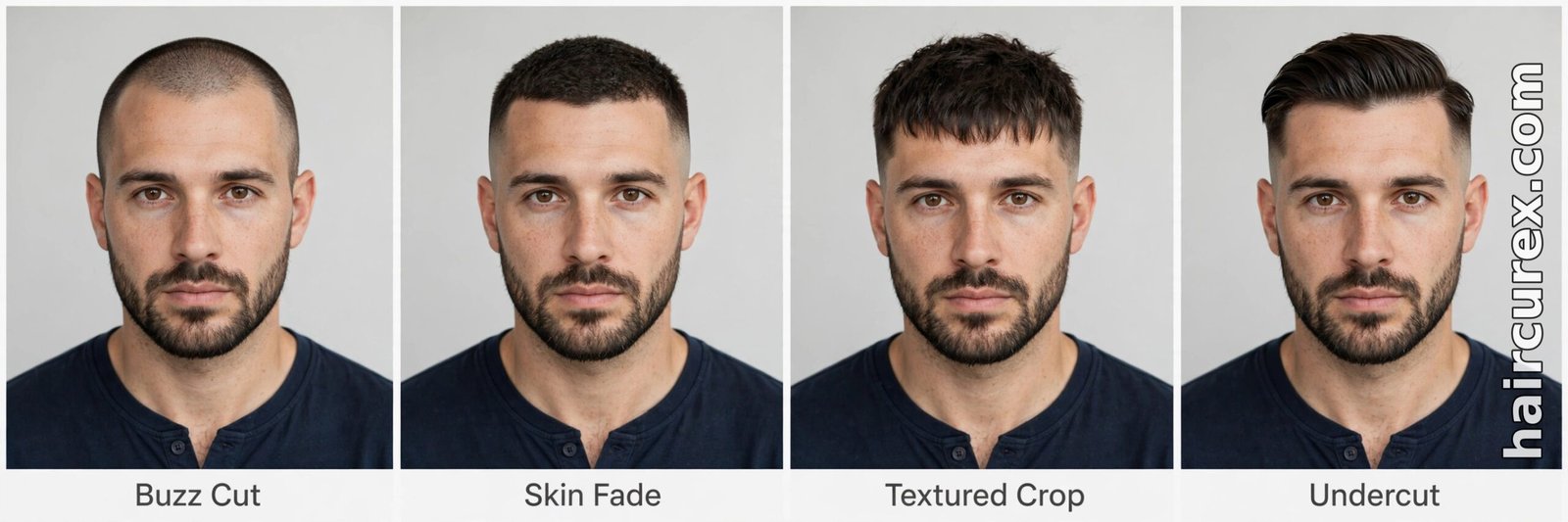
If you are starting from scratch, try one style from each family rather than five versions of the same cut. That tells you more in fewer previews, which matters when free credits are limited.
Start with a fade in an AI hairstyle changer for men. A mid fade is the safest first test: it suits most face shapes, works with straight, wavy and curly hair, and pairs with almost any top length. Compare it with a taper, which is softer and more conservative, and a skin fade, which is sharper and needs more upkeep. The preview will show you quickly whether a high, sharp fade flatters your head shape or makes it look longer than you want.
Next, try a textured crop in an AI hairstyle changer for men. This is the modern default for men who want something short but not severe: short back and sides, a textured top, and a fringe that can sit straight, slightly forward or swept to one side. It is low-maintenance, it hides a receding hairline better than a slicked-back style, and it photographs well from the front, which is exactly what a changer preview shows best.
Then test a quiff or a longer top if you have the length for it. A quiff needs length on top and some styling effort every morning, and a preview helps you judge whether the volume suits your face or overwhelms it. If you are considering growing your hair out, preview a longer style too — a man bun or shoulder-length waves — because the awkward middle stage is easier to commit to when you can see the destination.
Finally, try a buzz cut only if you are genuinely considering it. It is the most unforgiving preview to judge, because it exposes your head shape and hairline completely, but it is also the cut where a preview saves you the most regret. If a buzz preview makes you hesitate, that hesitation is useful information.
AI Hairstyle Changer Results for Different Hair Types and Face Shapes
Results from an AI hairstyle changer for men are most reliable on straight and wavy hair photographed in good light, because the tool has a clear view of length and shape. Curly and coily hair is harder: the tool must render curl pattern, shrinkage and volume, and many free tools smooth the texture into a generic wave.
If you have curly or textured hair, test styles close to your natural texture, inspect the hairline and edges closely, and treat a preview that looks like the same smooth, straight hair in every result as a warning sign rather than a result. Our curly hair routine guide can help you judge whether a preview’s curl pattern is realistic for your hair type.
Face shape changes which styles preview well in an AI hairstyle changer for men. A fade or a textured crop suits most shapes, but a slicked-back style can make a long face look longer, and a very short buzz can emphasise a strong jaw or a prominent forehead. Use the preview to compare the same cut against your own proportions, not against the model’s: a style that looks great on a reference photo may sit differently on your head shape, and that is exactly what the changer is for.
Beards change the picture too. If you wear a beard, keep it in the preview: a short cut with a full beard reads very differently from the same cut clean-shaven, and most changers keep facial hair intact if your photo shows it clearly. If the tool accidentally removes or reshapes your beard, regenerate or try another tool — judging a cut on a beardless version of yourself is judging the wrong person.
From Preview to Barber: How to Use the Result
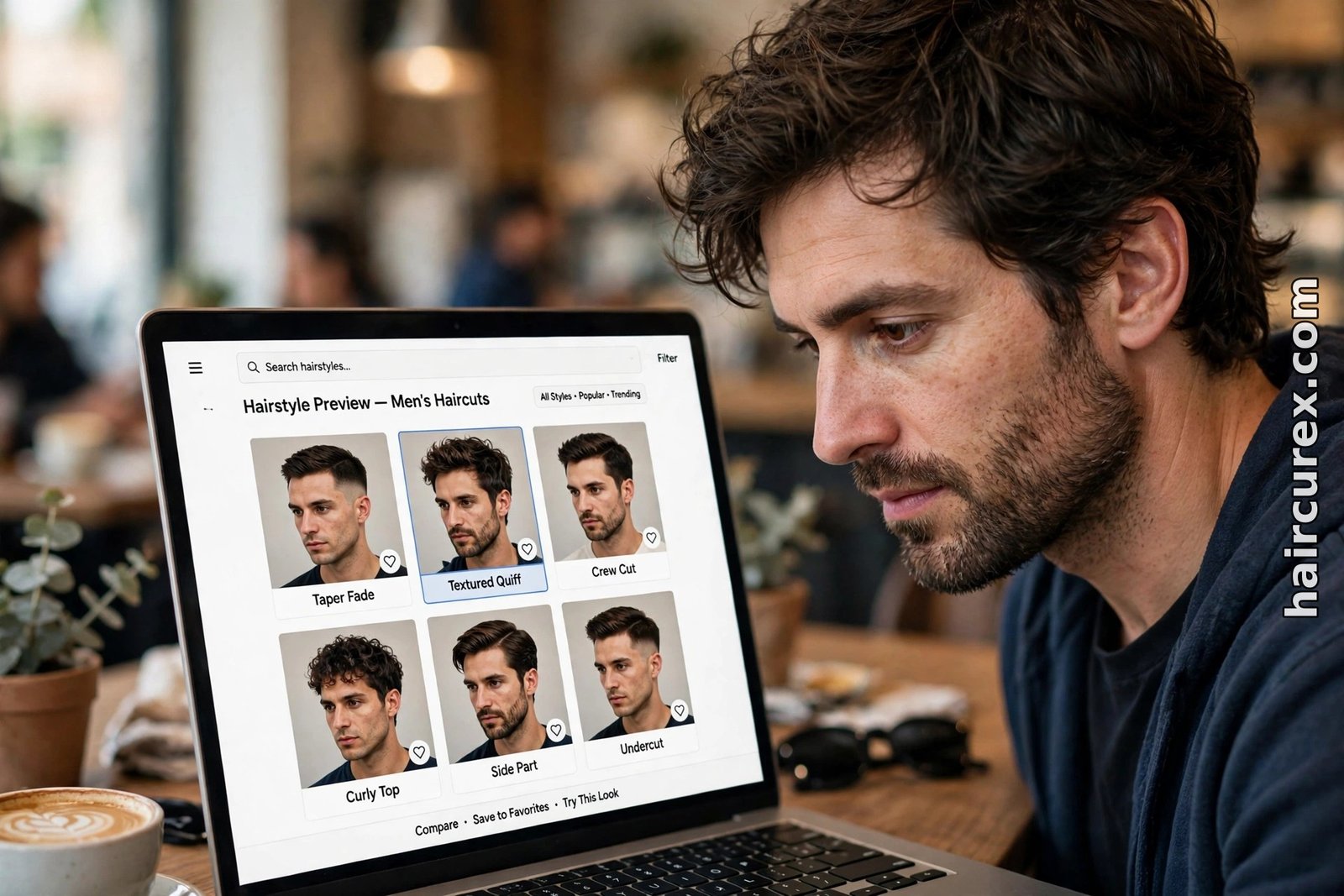
Take two or three saved previews from an AI hairstyle changer for men to your appointment, not ten. Show your barber the winning cut and one close alternative, and say what you like about each: the fade height, the fringe, the texture on top. Ask directly whether your hair type and thickness can hold that shape, how it will grow out, and how much daily styling it will need. A good barber will tell you if a preview needs adjusting for your real hair — that conversation is the whole point of the preview.
Keep your expectations honest. A preview cannot show how a cut will behave on a humid day, how it will look unstyled, or how it will grow out over six weeks. It also cannot account for cowlicks, a strong natural parting, thinning at the crown or a scar you would rather cover. Mention those to your barber, because they change which version of a preview is actually achievable.
If you are also considering colour, preview the cut in your current colour first and decide on the shape, and only then test colours on the winning cut — our AI hair color changer guide covers that step separately, so a colour you love does not carry a shape you would not have chosen on its own.
Privacy: What Happens to Your Photo?
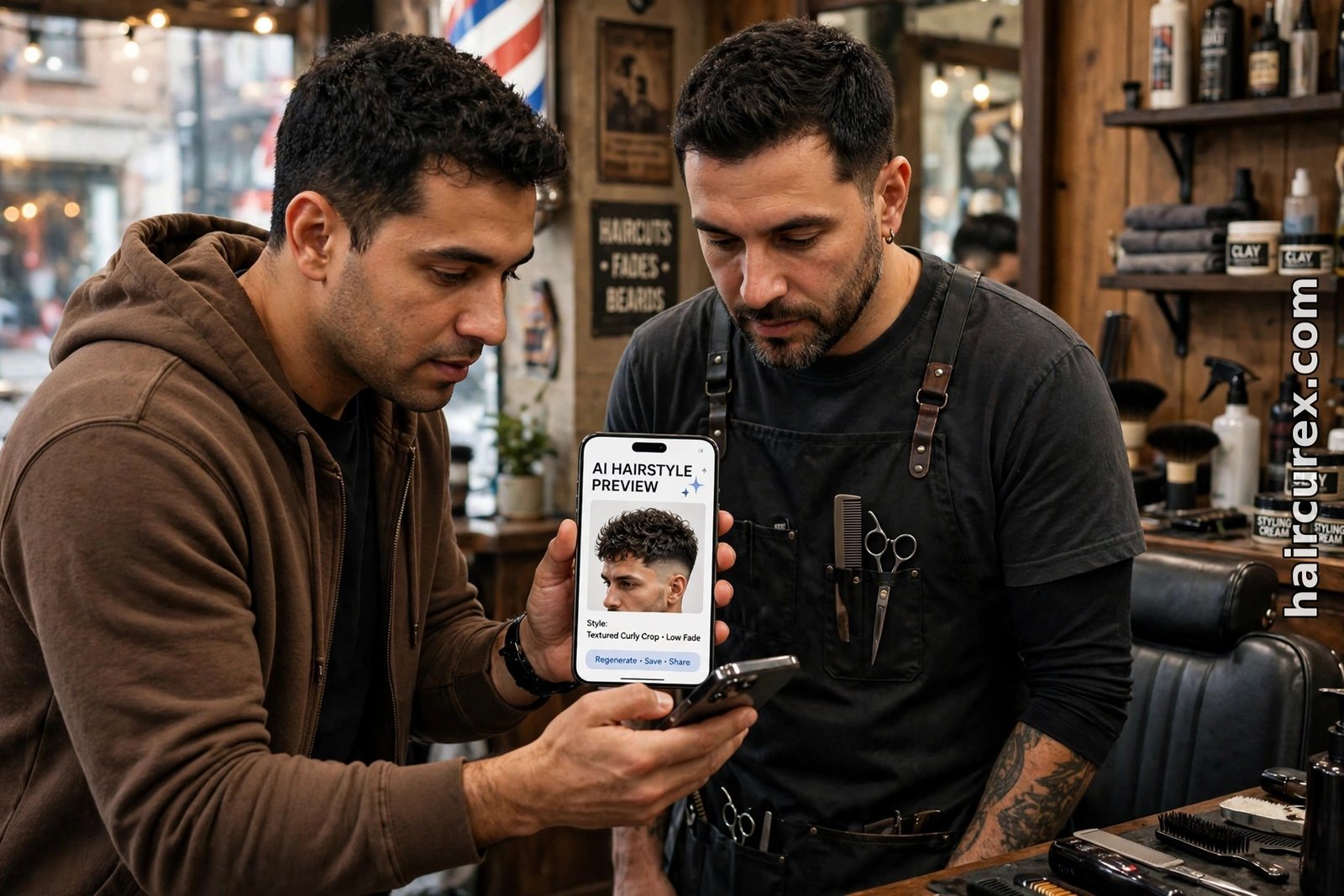
Before you upload a selfie to an AI hairstyle changer for men, check three things: how long the tool stores your photo, whether it uses uploads to train its models, and whether you can delete your uploads. Prefer tools that let you delete photos from your account, avoid granting permissions the tool does not need, and never upload someone else’s photo. Delete your uploads once you have saved the previews you need, and avoid tools that give no privacy policy or no deletion option at all.
Also be careful with free tools that ask for a card for a “free” trial. A genuinely free preview should not need payment details. If a tool requires a card before it generates anything, try a different tool first — there are enough free options that you do not need to hand over payment details to see a first preview.

Frequently Asked Questions About AI Hairstyle Changers for Men
Is an AI hairstyle changer for men really free?
Most AI hairstyle changer for men tools offer a free start — a free account, daily generations or a few free credits — but the free tier is limited. Expect a small number of previews, standard-resolution downloads or a watermark on some tools, and check the current allowance inside the tool before you start.
How accurate is a men’s hairstyle preview?
Reasonably accurate for shape and length on a good photo, less reliable for texture, volume and maintenance. Results are best on straight-on, well-lit selfies and weakest on curly or coily hair and poor lighting. Treat the preview as a shortlist for your barber, not a promise.
Do I need to download an app to use a hairstyle changer?
No. The best-known AI hairstyle changer for men options, including YouCam’s online tool and StyleLookLab, run entirely in your browser on desktop or phone. Apps add saved looks and live camera previews, but they are not required.
What photo should I upload for a men’s hairstyle preview?
A clear, front-facing photo in natural daylight, with your hair pulled back from your forehead and hairline and a plain background. Avoid sunglasses, hats, filters, screenshots and heavily compressed images.
Can a changer show me fades, crops and quiffs?
Yes. Most AI hairstyle changer for men libraries cover buzz cuts, fades and tapers, textured crops, quiffs, slicked-back styles and longer options. Compare one style from each family first, rather than five versions of the same cut, to use free credits wisely.
Is it safe to upload my photo to a hairstyle changer?
It depends on the provider. Read the privacy policy, check how long photos are stored and whether they are used to train models, and prefer tools that let you delete your uploads. Never upload someone else’s photo, and delete your uploads when done.